












✔ Audit/ Edit final website
Completed by Alyssa W.
- Assigned to
-
 Alyssa W.
 Elizabeth R.
- Notes
-
Edits for
 Nolie
Nolie
Sitewide
1. Have all hyperlinks match the color of the story, please use: #31758D
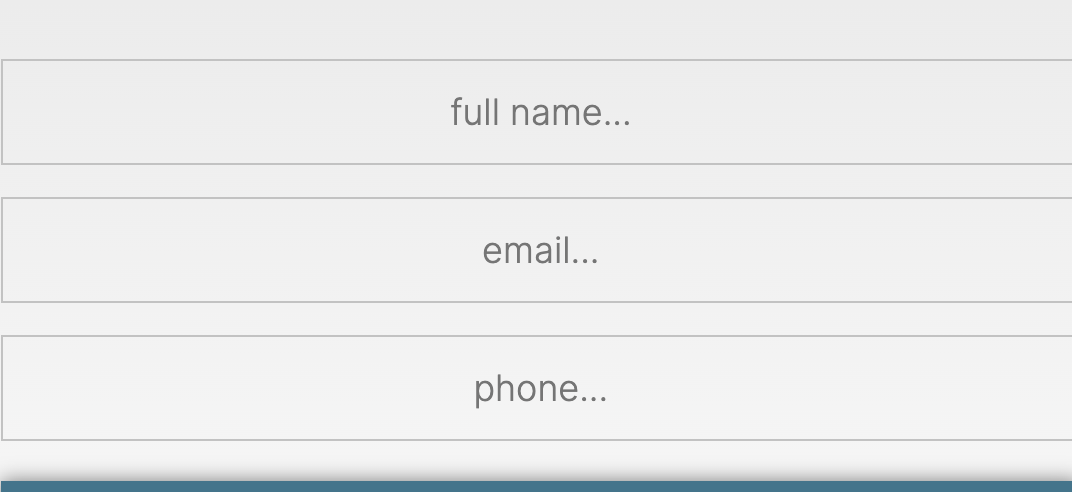
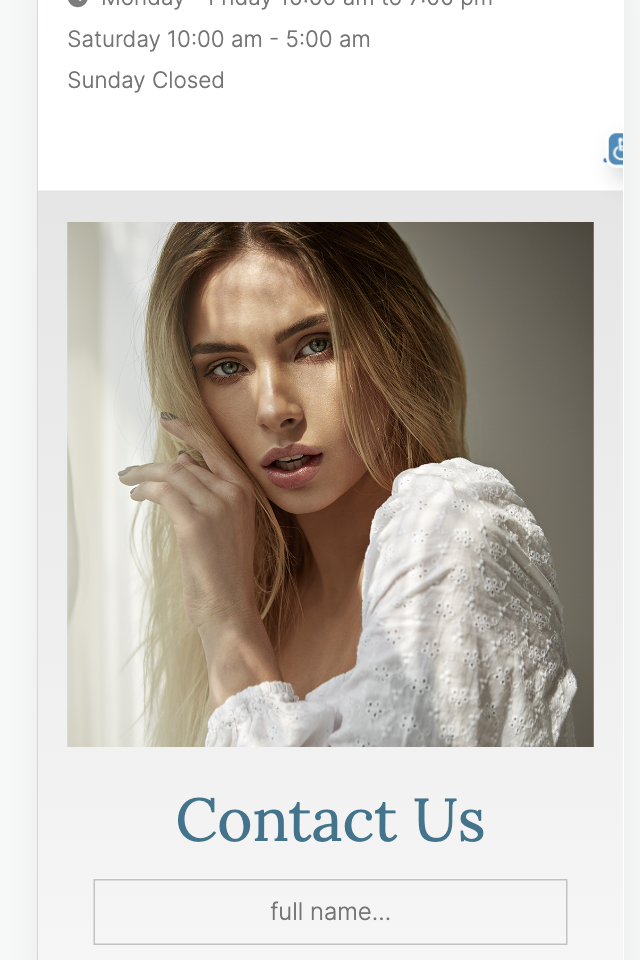
2. Form fields should only say: 1. Name 2. Email 3. Phone number (Like on other pages) *All pages need updated except the homepage (2nd image is from homepage).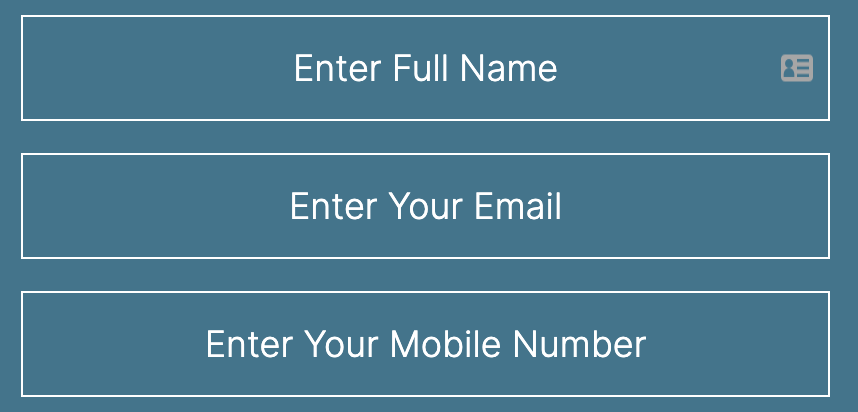
Navigation Menu
7. Clean up the menu on mobile & desktop so the services are listed, but then an additional sub menu shows the locations. Like this example. Looks very crowded listing them like this: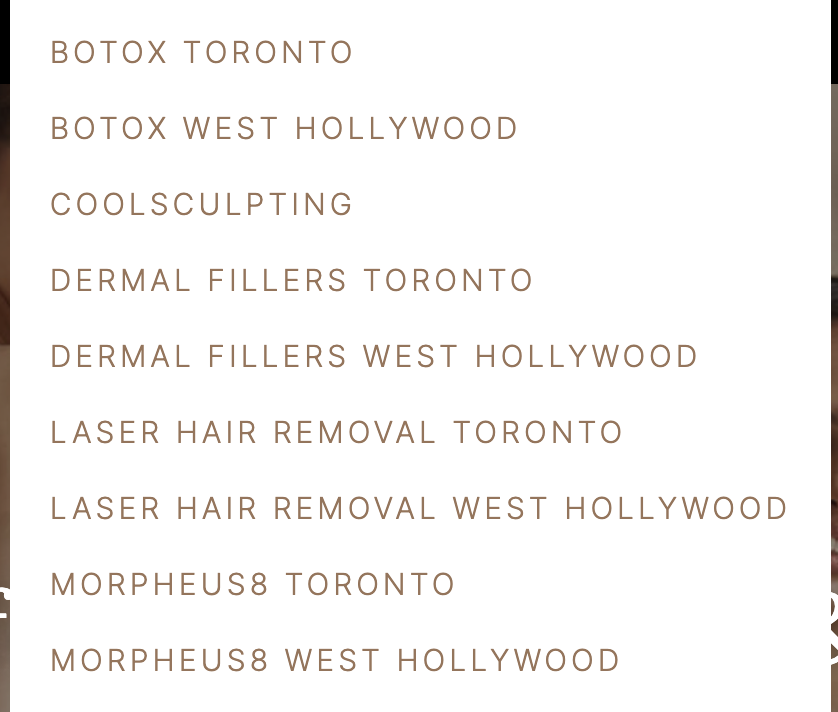
Footer:
2. Spacing is slightly crowded on footer - ADA is right on top of other text, please adjust. Mobile only, desktop ok.3. ADA icon is not stuck in the footer on any other page except the Homepage, please fix. - Mobile & desktop
Privacy Policy Page
1. Hyperlink address to map pack for - both locations (Toronto & West Hollywood)
2. Add a little more padding/margine on mobile around body of text.
Terms of Use
1. Location & phone number still show the demo content, need to update phone number to the 1800 phone number and replace the location with Toronto & West Hollywood. Always be careful that no demo content remains.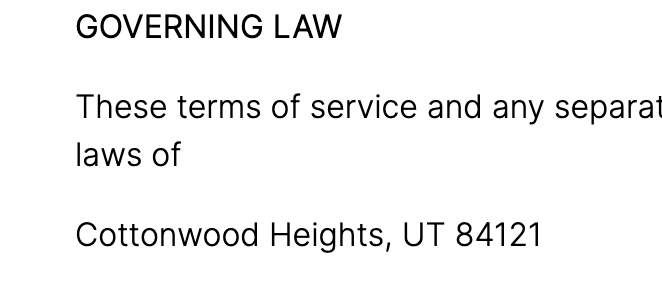
 2. Add a little more padding/margine on mobile around body of text.
Contact Us Page + Confirmation Page
Home Page + Home Page Confirmation Page
1. Fix spacing so the text isn't overlapping. Also, please adjust balance the negative space on the right side set of images (mobile only).
2. Image needs to be in-line with the contact area. - Desktop only, mobile is okay.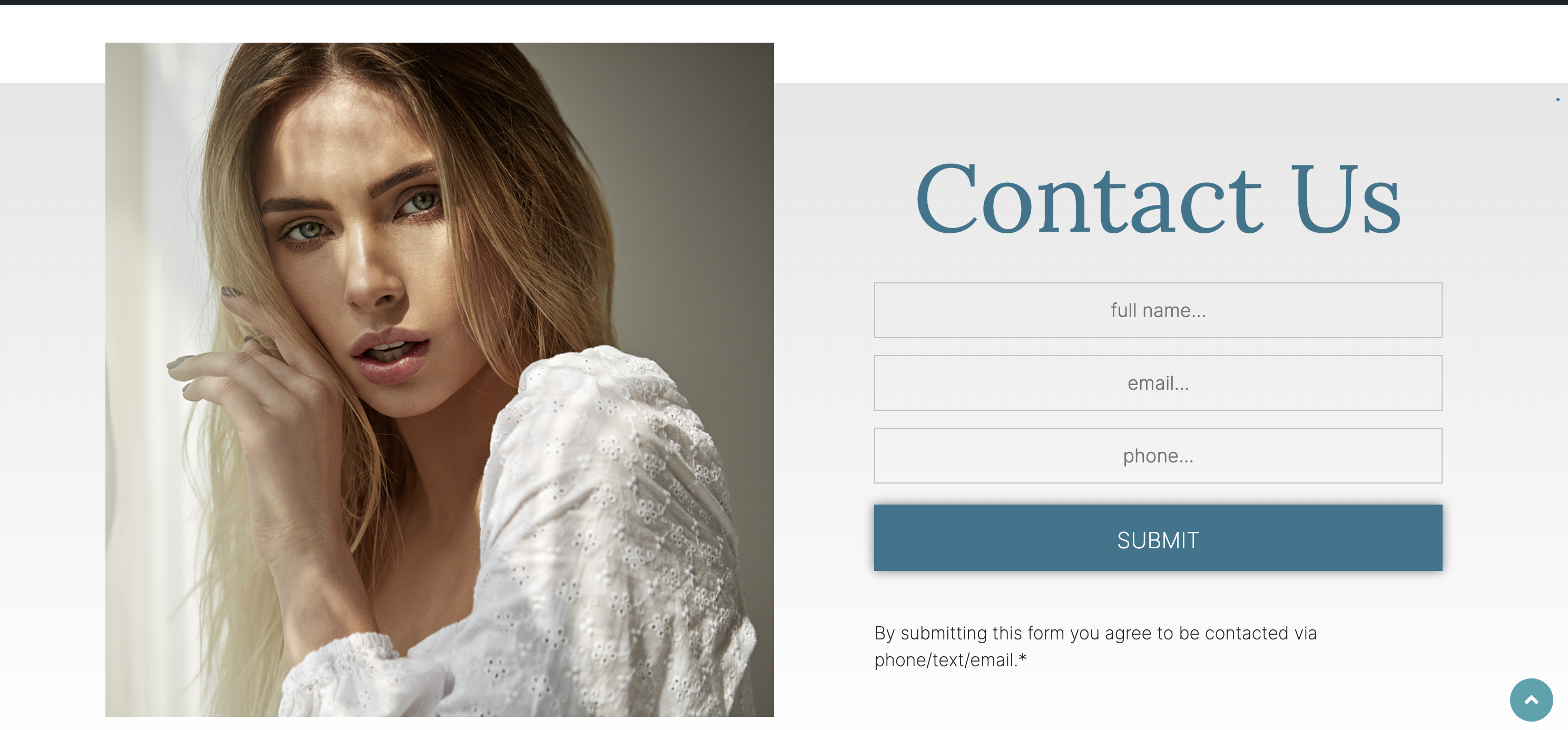
1. Replace promotion disclaimer:
*Promotions: $8 per unit applies to new clients only. Must purchase a minimum of 50 units. Cannot be combined with other offers.
2. Add B/A Disclaimer:
*Results may vary. We are reputable for complete customer satisfaction for completed treatments. Before and after images reflect real results from real patients, although individual results may vary. No treatment is promised to provide permanent results. A guarantee is neither provided nor implied. Statements estimating treatment duration and the number of treatments required are based on the typical experience of our patients, however, individual experiences may vary.
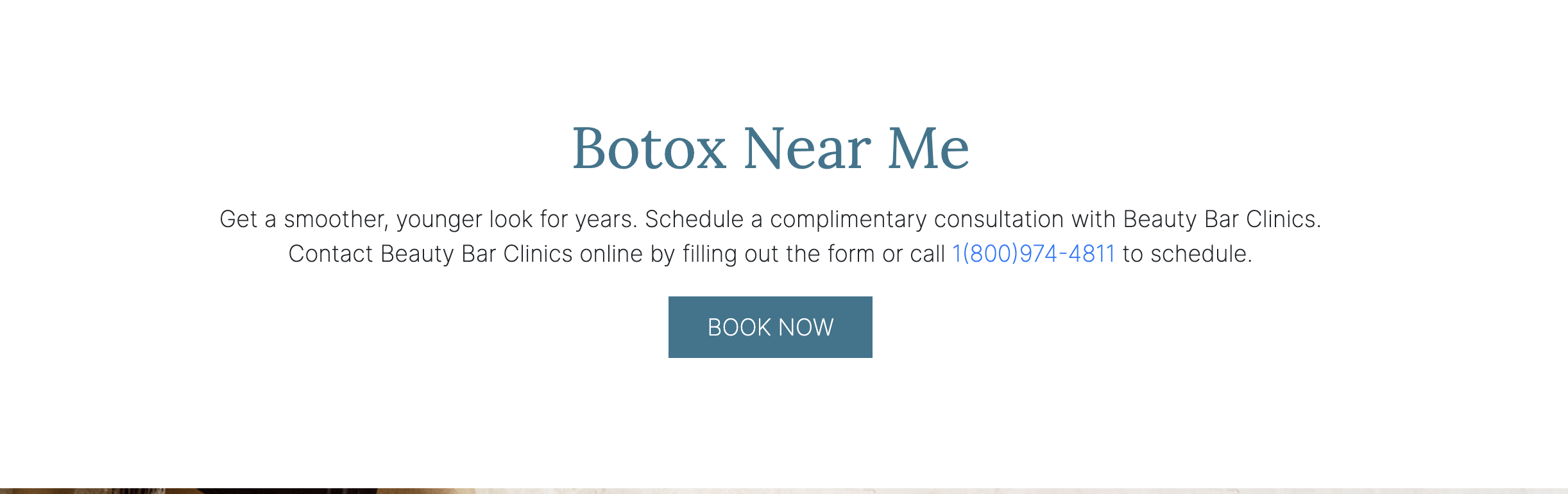
4. Add more margin/space between the BOOK NOW button and image, like on the desktop. - Mobile only. Desktop okay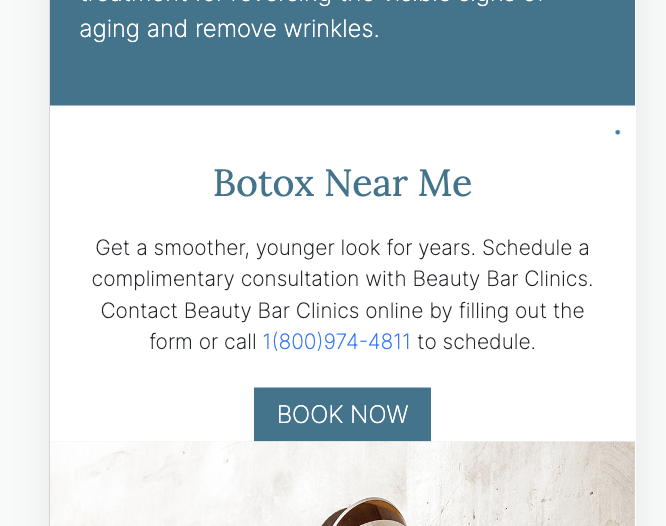
Coolsculpting Page + Confirmation Page
1. Add promotion disclaimer to footer
*Promotion: Buy one get one free on CoolSculpting® treatments. Cannot be combined with any other offers or services.
2. Add this results may vary disclaimer :
*These CoolSculpting before and after images depict actual patients. Their transformations demonstrate how well fat freezing works. As with any body-contouring treatment, results may vary.
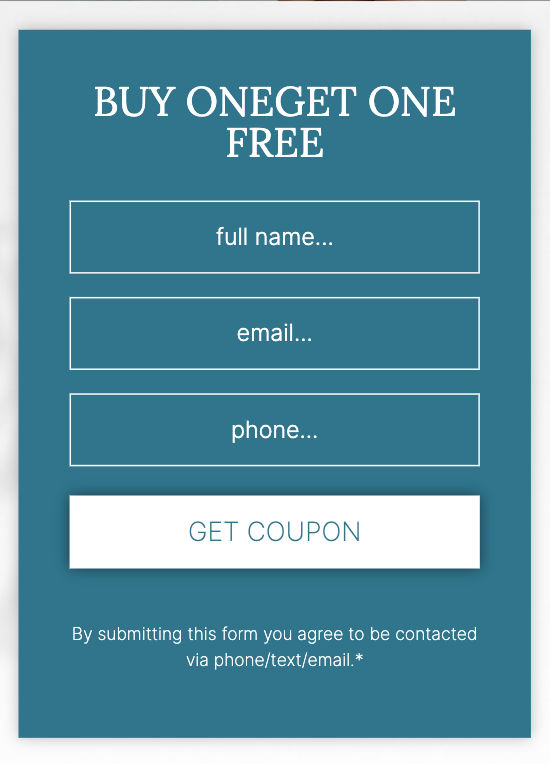
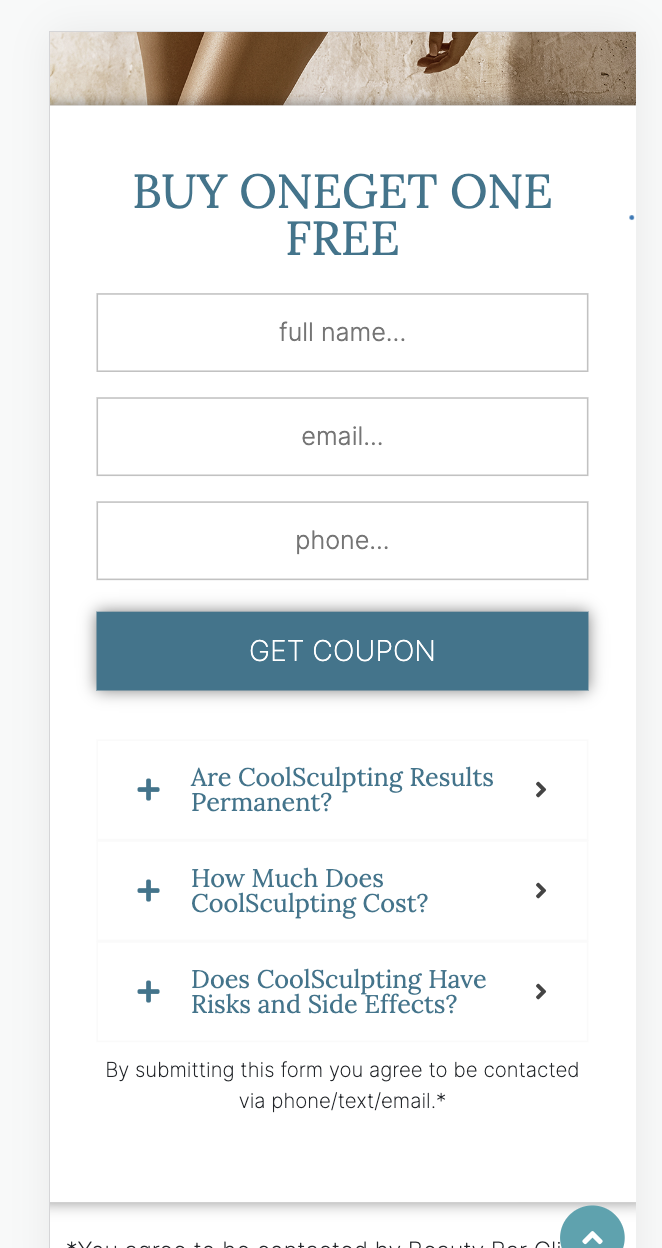
2. Add spacing to the Buy one Get one gravity forms - mobile only
 3.FAQs are on the bottom gravity forms. Should be in the body of the content. - Mobile & Desktop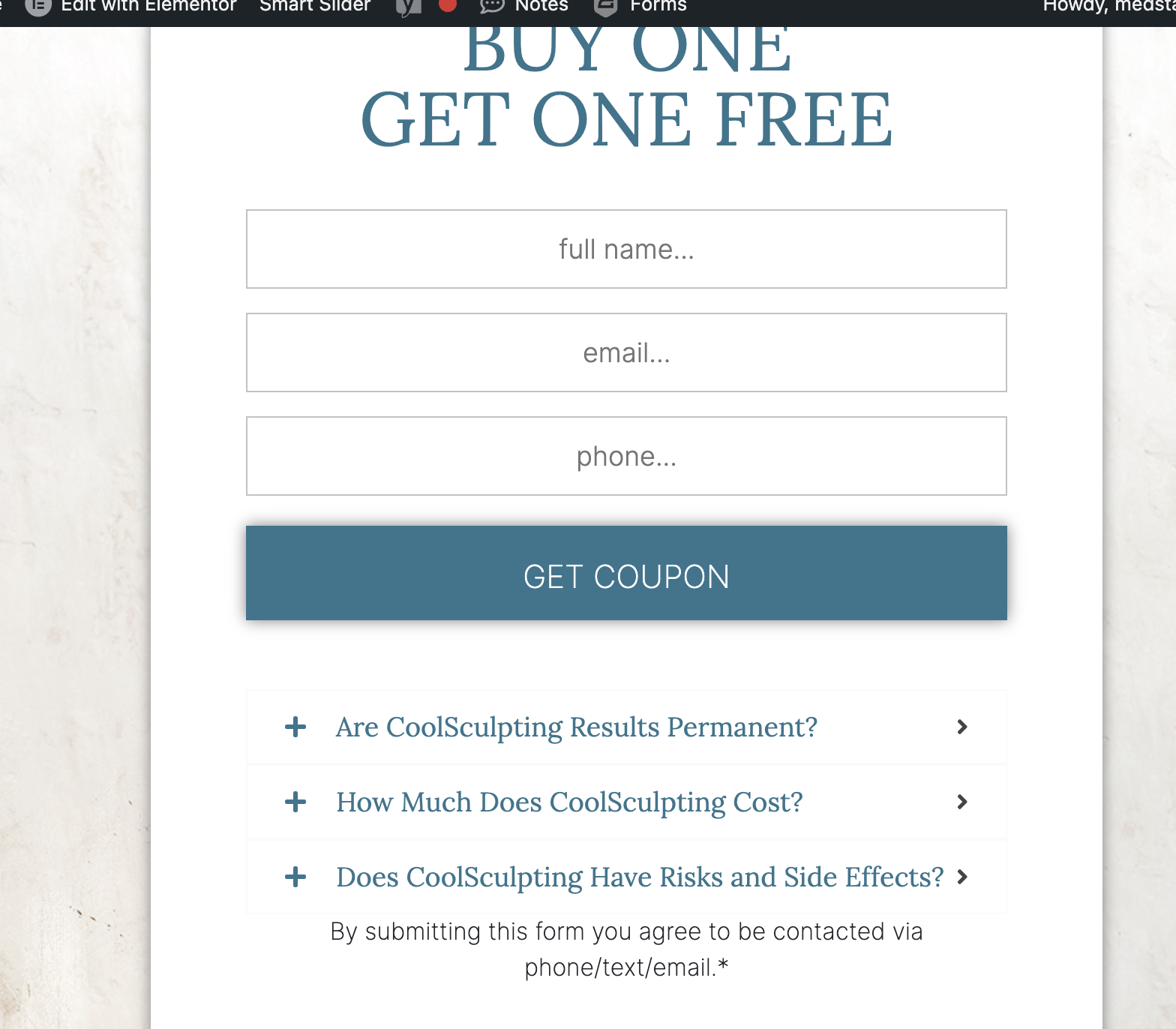
Dermal Filler Pages + Confirmation Pages
https://go.beautybarclinics.ca/dermal-fillers-toronto-ca/
https://go.beautybarclinics.ca/dermal-fillers-west-hollywood-ca/1. Add disclaimer:
*Promotions: Must purchase a full syringe to get $250 OFF. Offer applies to new clients only. Cannot be combined with other offers.
2. Add disclaimer:
*Results may vary. We are reputable for complete customer satisfaction for completed treatments. Before and after images reflect real results from real patients, although individual results may vary. No treatment is promised to provide permanent results. A guarantee is neither provided nor implied. Statements estimating treatment duration and the number of treatments required are based on the typical experience or our patients, however individual experiences may vary.
3. Make image & written content in-line, like the section listed below, things are overlapping here. - Desktop only, mobile ok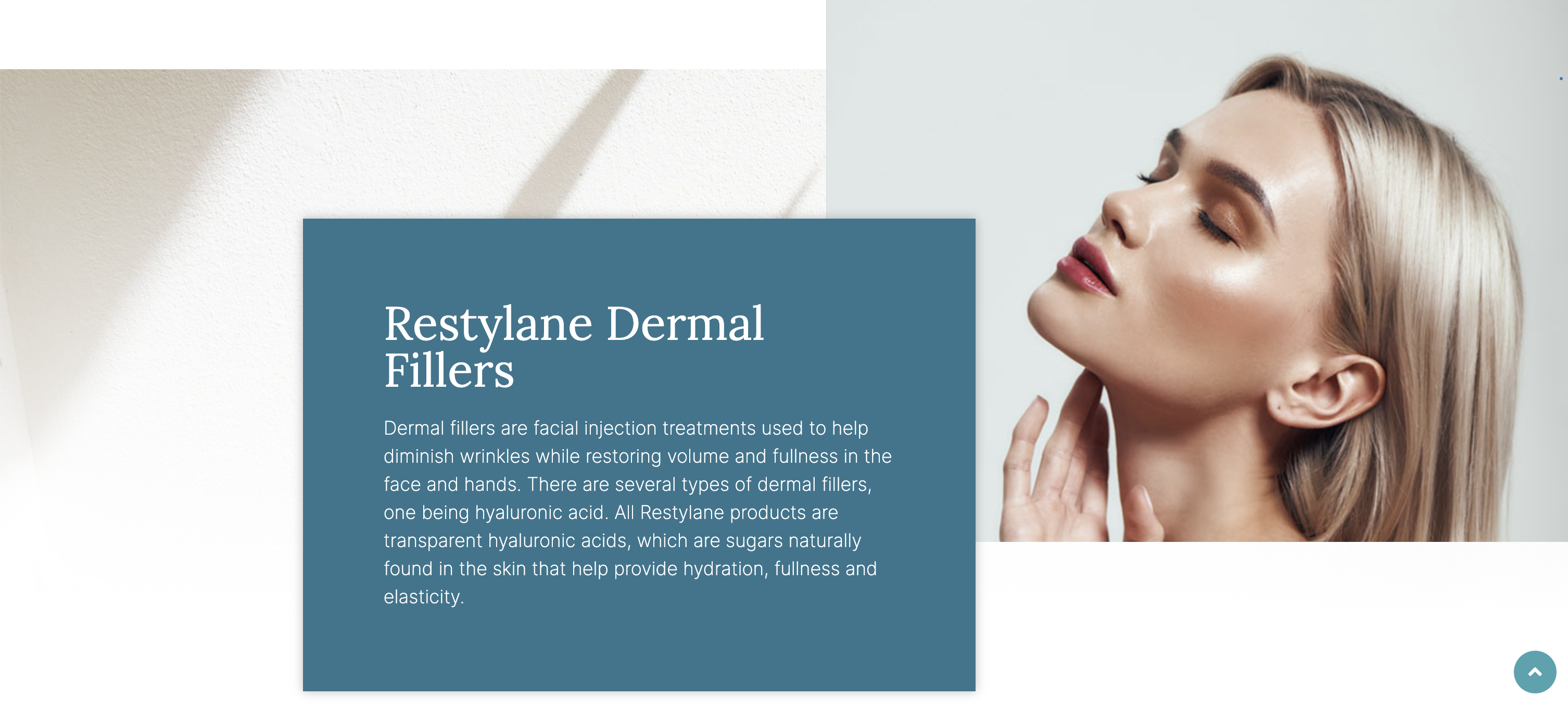
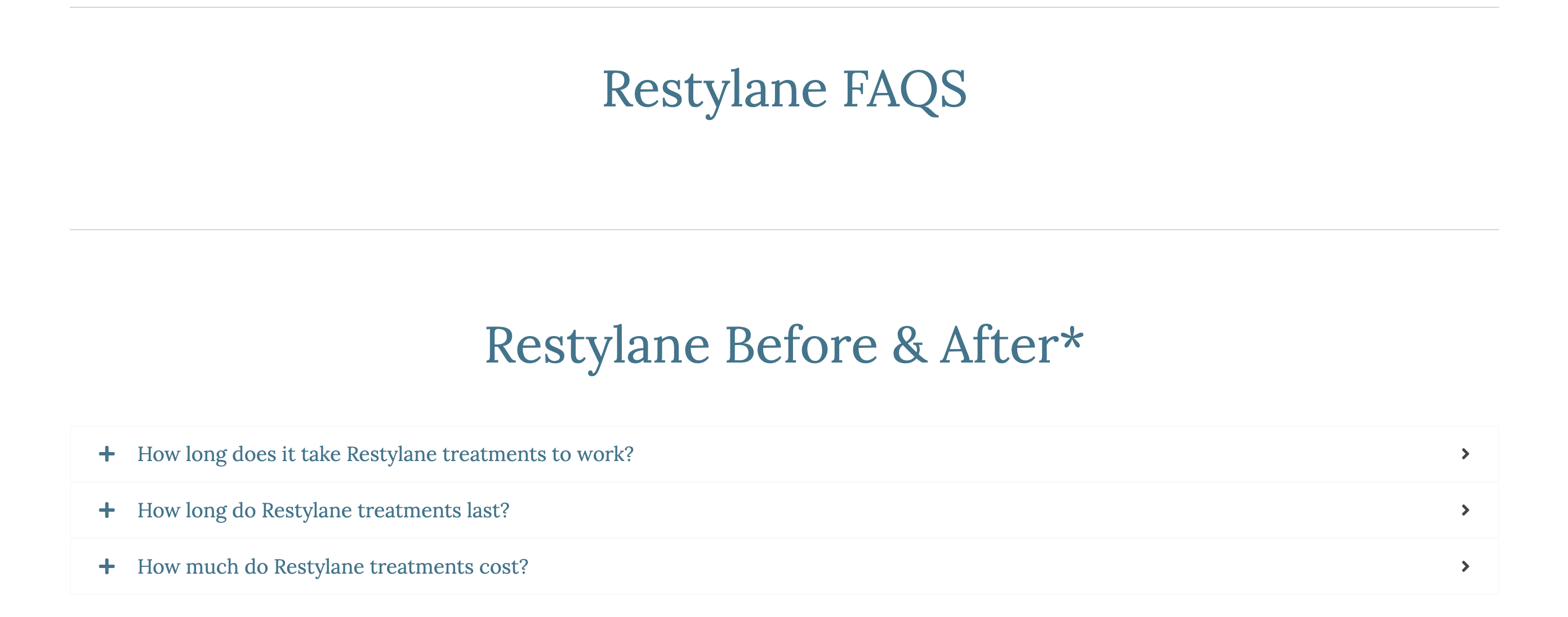
4. Add Top Rated Medspa badge to hero image.5. Restylane FAQs drop-downs should be listed under the FAQs title, currently listed in before & afters section.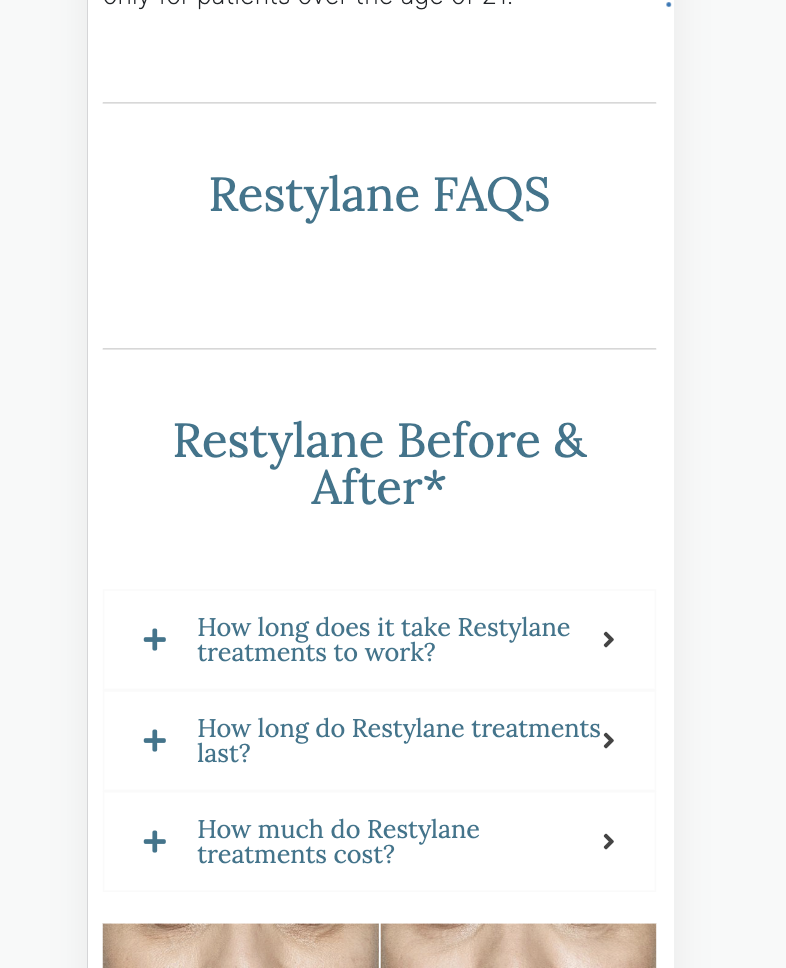
Laser Hair Removal + Confirmation Page
(https://go.beautybarclinics.ca/laser-hair-removal-toronto-ca/)
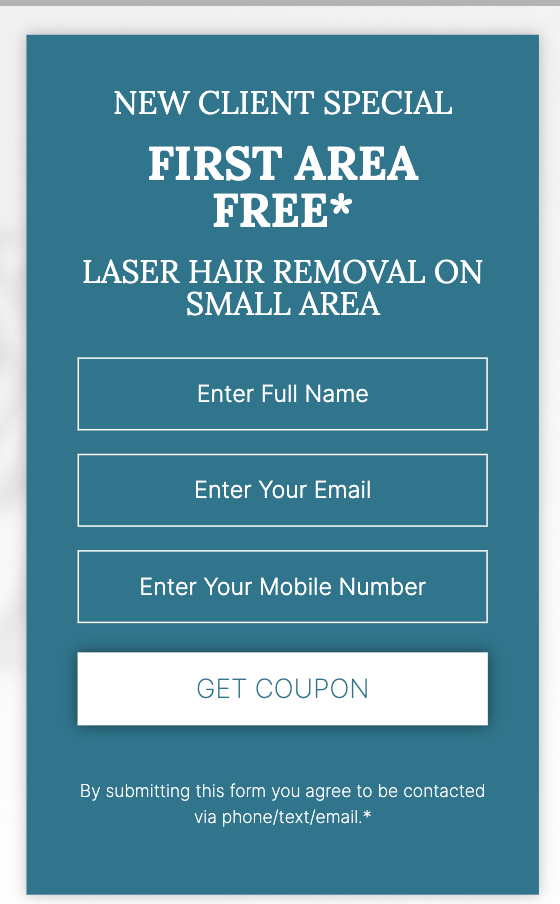
https://go.beautybarclinics.ca/laser-hair-removal-toronto-ca/2. Have both gravity forms match for consistency: FIRST AREA FREE* should be all on one line)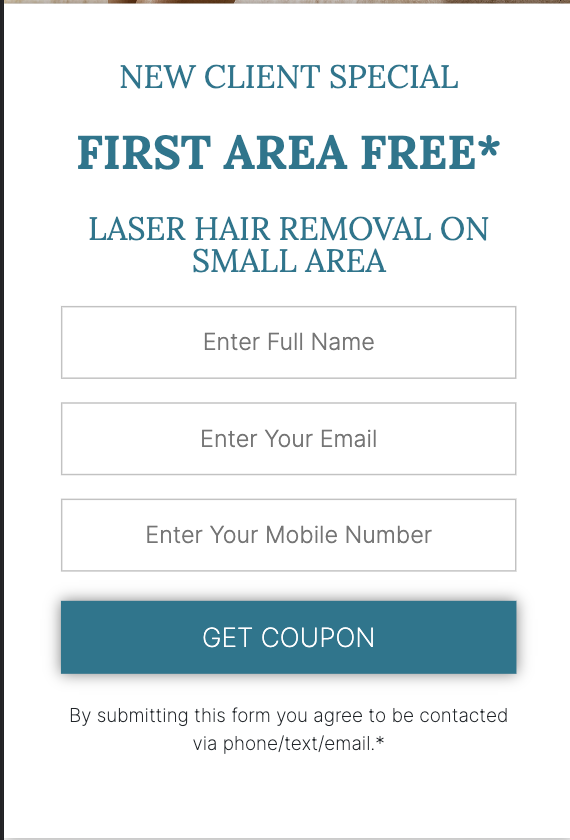
 3. Add disclaimer to bottom of page:
*Promotions: Get one free Laser Hair Removal treatment on an eligible small area as a first time patient. Exclusions apply. Contact Beauty Bar Clinic for full terms and conditions.
4. Add additional disclaimer to gravity forms:
*Only 1 Small treatable area is FREE.
Morpheus8 Pages + Confirmation Pages(https://go.beautybarclinics.ca/morpheus8-toronto-ca/+ https://go.beautybarclinics.ca/morpheus8-west-hollywood-ca/)
1. Add this Promotion Disclaimer:
*Terms and conditions apply: 50% OFF a treatment applies to new clients only. Cannot be combined with other offers.
2. Add this B&A Disclaimer:
*Results may vary. We are reputable for complete customer satisfaction for completed treatments. Before and after images reflect real results from real patients, although individual results may vary. No treatment is promised to provide permanent results. A guarantee is neither provided nor implied. Statements estimating treatment duration and the number of treatments required are based on the typical experience of our patients, however individual experiences may vary.
Financing (footer & header menus)
- Says Cherry, should be Care Credit: https://www.carecredit.com/
About Us
1. Add more padding to the right & left side of this section - Desktop only
2. Reduce padding/spacing between video & images of this section - Mobile only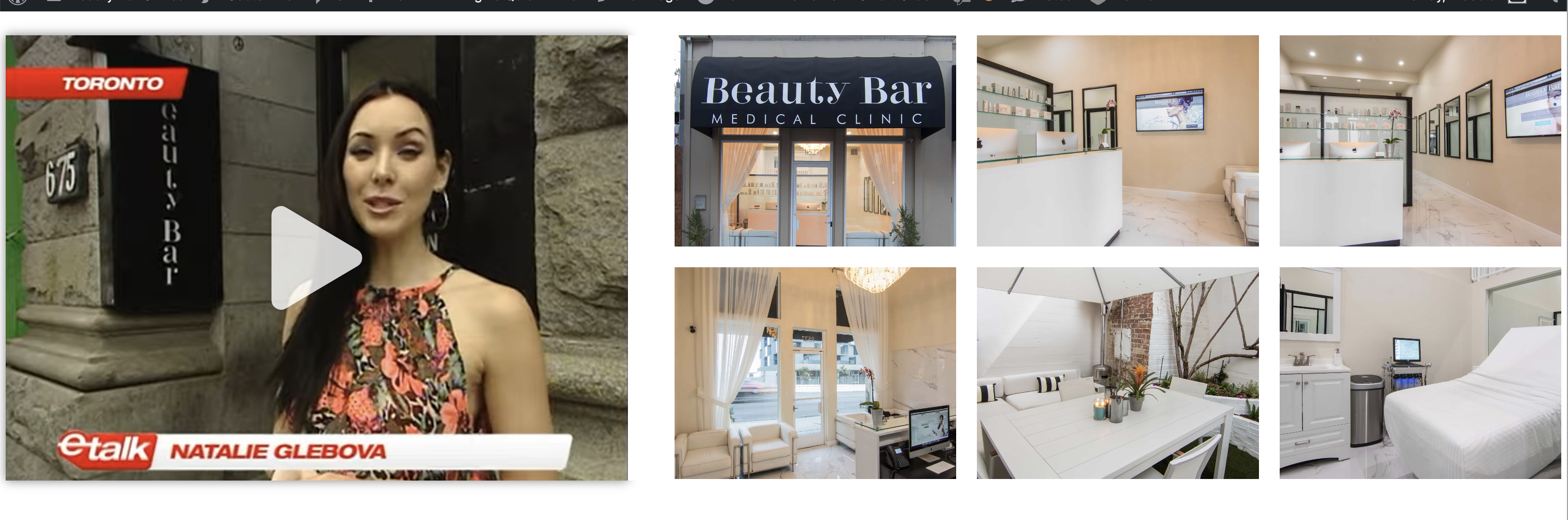


Login: medstar / Letmein123#@!
go.beautybarclinics.ca
Also, I saw that a lot of the mobile was left un-checked in the checklist for many pages. Did you check the mobile version on all pages and forgot to check those off on the checklist? I checked things off when I looked through the site. Let's meet on Monday to review this process and I want to review some of your audit notes.
Thanks for all your hard work!
Will you please do the edits on this URL when you overview the grammar:
Laser Hair Removal (https://go.beautybarclinics.ca/laser-hair-removal-west-hollywood-ca/)
I have design questions for Ivonne stand by for any additional edits. Let me know if you need any clarification.
Thank you both!
1. Replace these badges on these URLs, some didn't have transparent background and I want to be sure they are all the same size when replaced.
https://go.beautybarclinics.ca/botox-toronto-ca/
https://go.beautybarclinics.ca/botox-west-hollywood-ca/
https://go.beautybarclinics.ca/laser-hair-removal-toronto-ca/
https://go.beautybarclinics.ca/laser-hair-removal-west-hollywood-ca/
3. Please replace these badges since i removed the background and resized two on these URLs, I will look if I need to resize the other one after you replace these:
https://go.beautybarclinics.ca/morpheus8-toronto-ca/
https://go.beautybarclinics.ca/morpheus8-west-hollywood-ca/
- Add HOME as a menu Item
- Adjust the spacing to fit the phone number on the same line as the menu items (if it fits after you add HOME)
5. Mobile Menu
- Switch the items position, Hamburger menu & Logo will be on top. Book online & social icons will be on bottom.
Once you are completed with all the edits in the task notes and these additional edits, please let me know.
Thanks for everything you do!
I already addressed the above edits. Please check, https://go.beautybarclinics.ca/
Thank you!
2. Add the promotions disclaimer to the bottom of the page: *Promotions: Get one free Laser Hair Removal treatment on an eligible small area as a first time patient. Exclusions apply. Contact Beauty Bar Clinic for full terms and conditions.
Thank you!
Forms gray: e9e9e9
Lettering and buttons be Blue or white: 31758D
And form fields white?
The white example is ok above. The blue one though the fields get a little lost.
1. Change the background of the form fields to this color: e9e9e9, so they contrast more. Make the text color in the form fields: 31758D
2. Make the GET COUPON button text bolded so the font isn't so skinny.
Thank you!