











✔ Send client link to Lead Sheet
Completed by Hector M.
- Assigned to
-
 Hector M.
- Notes
-
Subject -
Here's the lead sheet for your website!
Hi ((Client))
The following Google Docs link is for a spreadsheet we have created to help you keep track of your leads and keep them organized. We have also sent you an invitation notice via email. This spreadsheet gets automatically updated when a customer fills out a request for a consultation on your website.
It is recommended to use two separate emails associated with the domain name of your site. One for "FROM" and another one for "TO" field. This in order to make sure the email gets delivered correctly into clients/customers inbox.
Please do not edit any of the grey fields as they are automatically connected to the forms. The green areas to the right are good to edit, and we encourage your staff to use this lead sheet to keep track of the progression of leads. If you have any questions please reach out. To schedule a front desk training with Vania, follow the Calendly link here https://calendly.com/Vania-medstar/front-desk
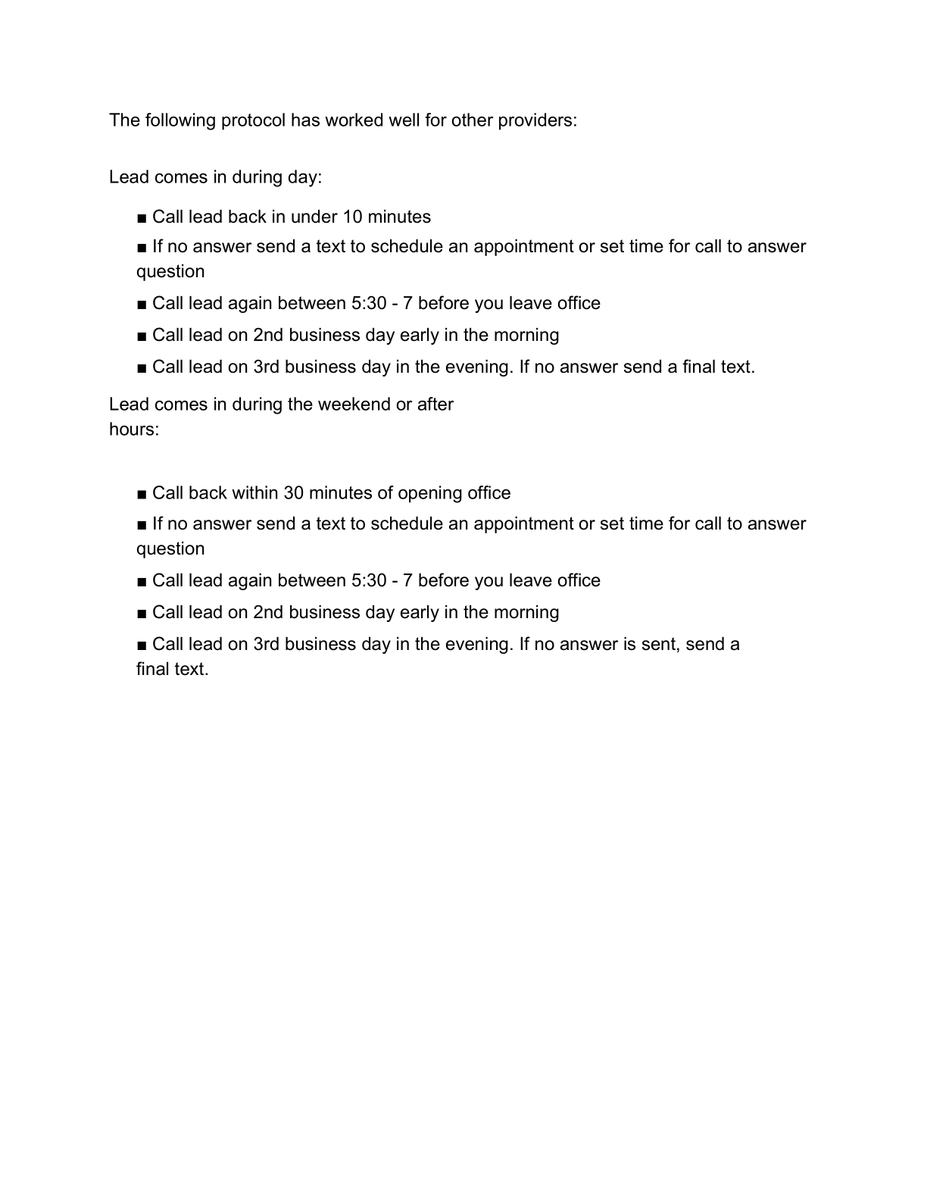
Also, here are some additional Front Desk training guides for your staff on Coolsculpting.Thank you,
Medstar Media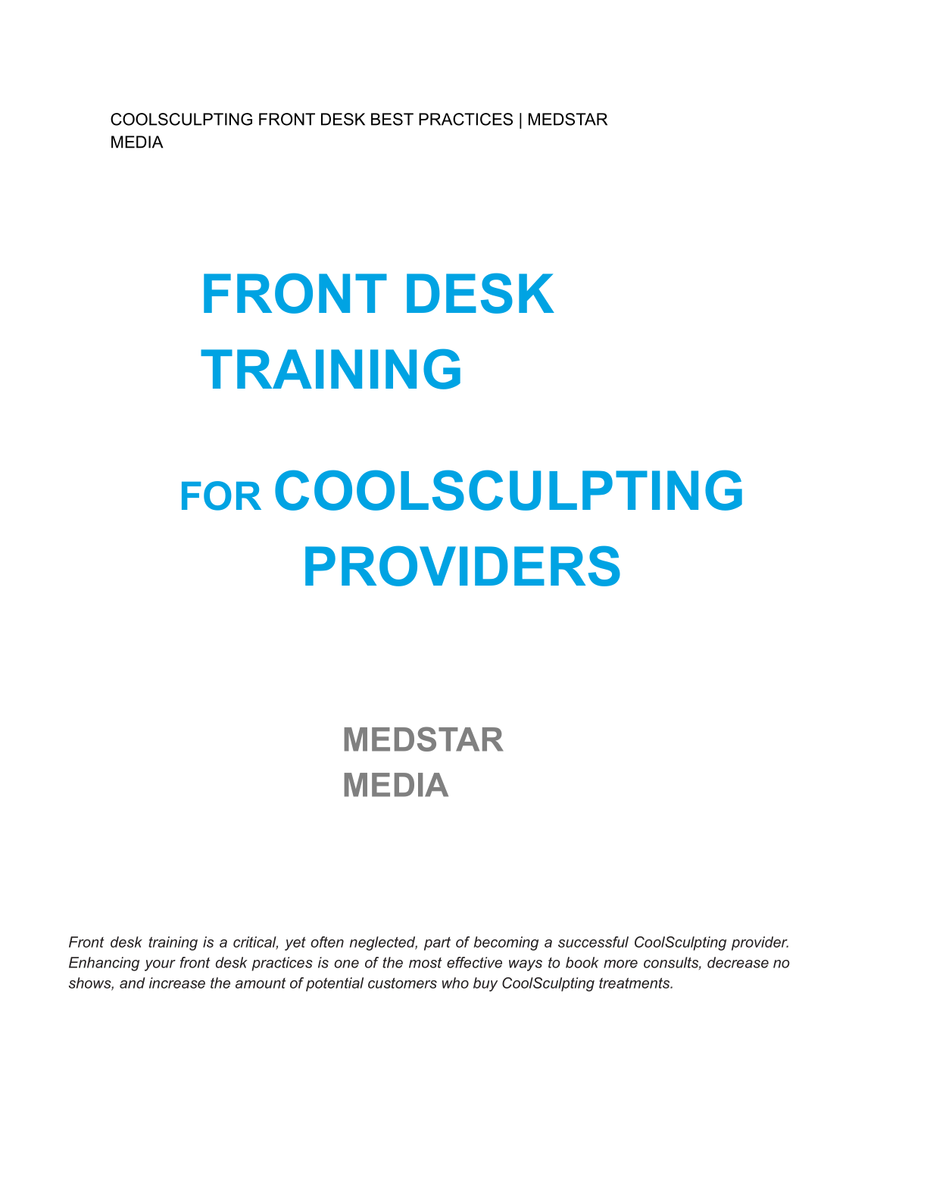
Good morning.
You said that you would be updating the front desk training PDF files we send to clients. Has that been done?
We also need to have one that is generic. That is so we can send to them whether it is Emsculpt, EMtone, Cooltone or Coolsculpting.
Please let me know so I can update the template.
Thanks.
I will update the template now and when you have it ready, I will update it.
Thank you.