













✔ Website Edits
Completed by Alyssa W.
- Assigned to
-
 Nolie
Nolie
- Due on
- Notes
-
Thanks for your hard work! Ivonne
FINAL EDITS BELOW
Note - Please refer to videos for a live demonstration of the written notes.
Menu Bar
1. On desktop, please make use of the space and align the menu items to be centered, everything is too far to the right, now. I know more pages will be added, but until please adjust:
Phone (Desktop, Mobile, & Confirmation)
The floating mobile phone button "Book Now" needs the area code added to the hyperlink. should be 13392019868 (no spaces)Footer
Add the financing icon images centered under the logo: CareCredit & Lending PointLocation/Map
Please link to Both locations and maps live-image on the footer, contact page, privacy, and any other mention on the site and hyper-link to the map pack.
47 Washington Street Weymouth, MA 02188 AND
536 Broad Street East Weymouth. Suite 1, MA 02189 *Make sure to include Suite #.Invisalign
1. Adjust the badges and zoom out on the model on Hero to show more of the smile.
2. Add the Invisalign silver badge to the header (the one on the homepage).
2. Reduce space under the financing logos.
3. Make sure before & after images are not being cut off on mobile. Want to see the full smiles.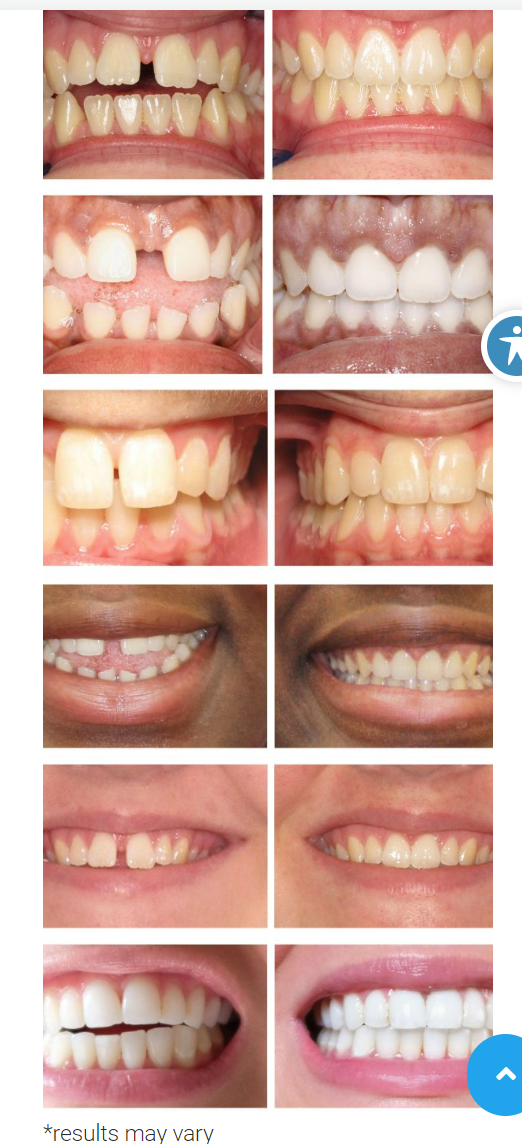
5. The "GET COUPON" button on the form doesn't move or change colors when you run over it.
6. Move the disclaimers under the gravity from OR move the one under the gravity from up. *see video*
7. Mobile button code is broken *see video*
8. Side gravity form button needs to be bigger like the one on the bottom form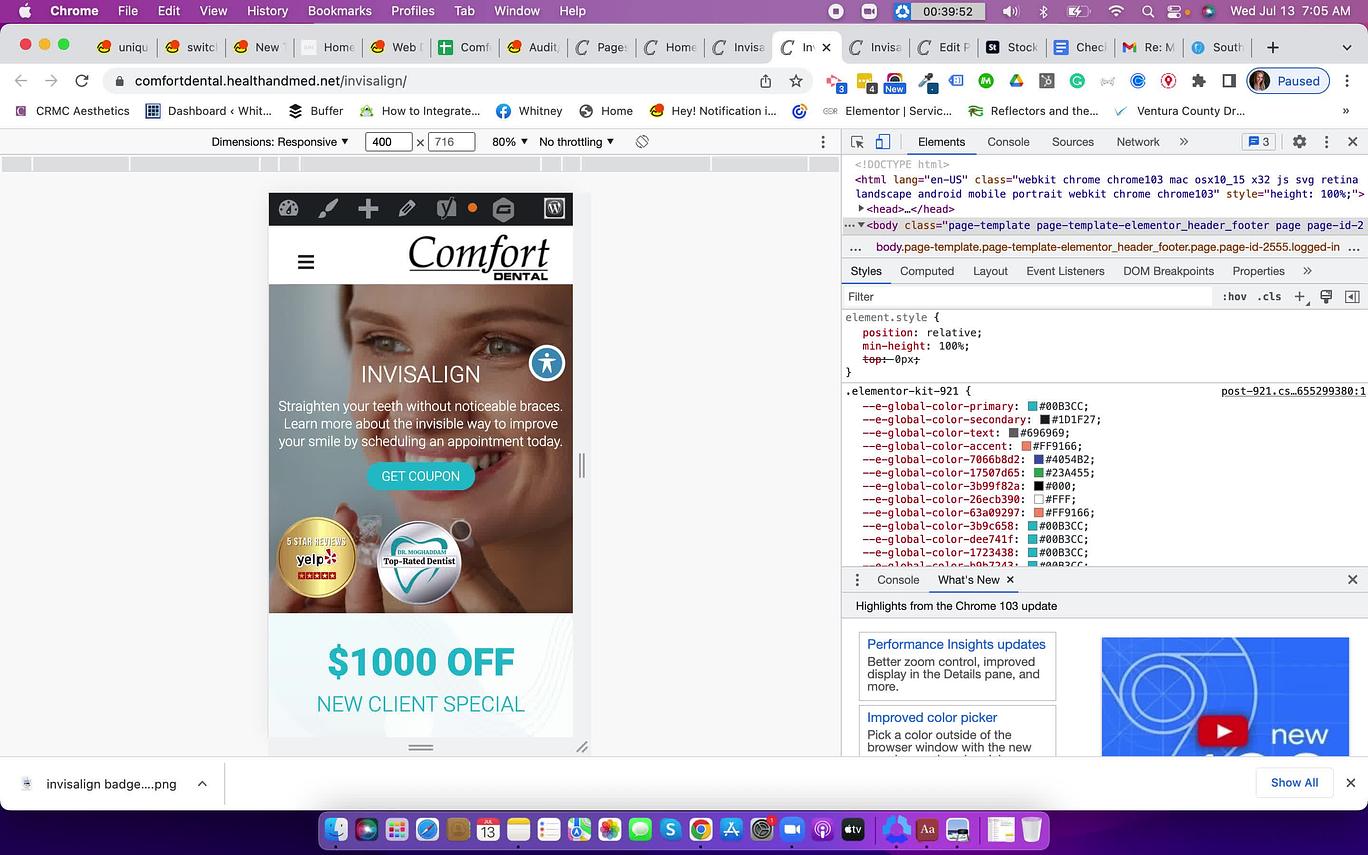
About
1. Something looks off with the hero image and "meet the doctor" title on the mobile and desktop. Also, the hero images are different on mobile vs desktop (if that was intentional, ignore this)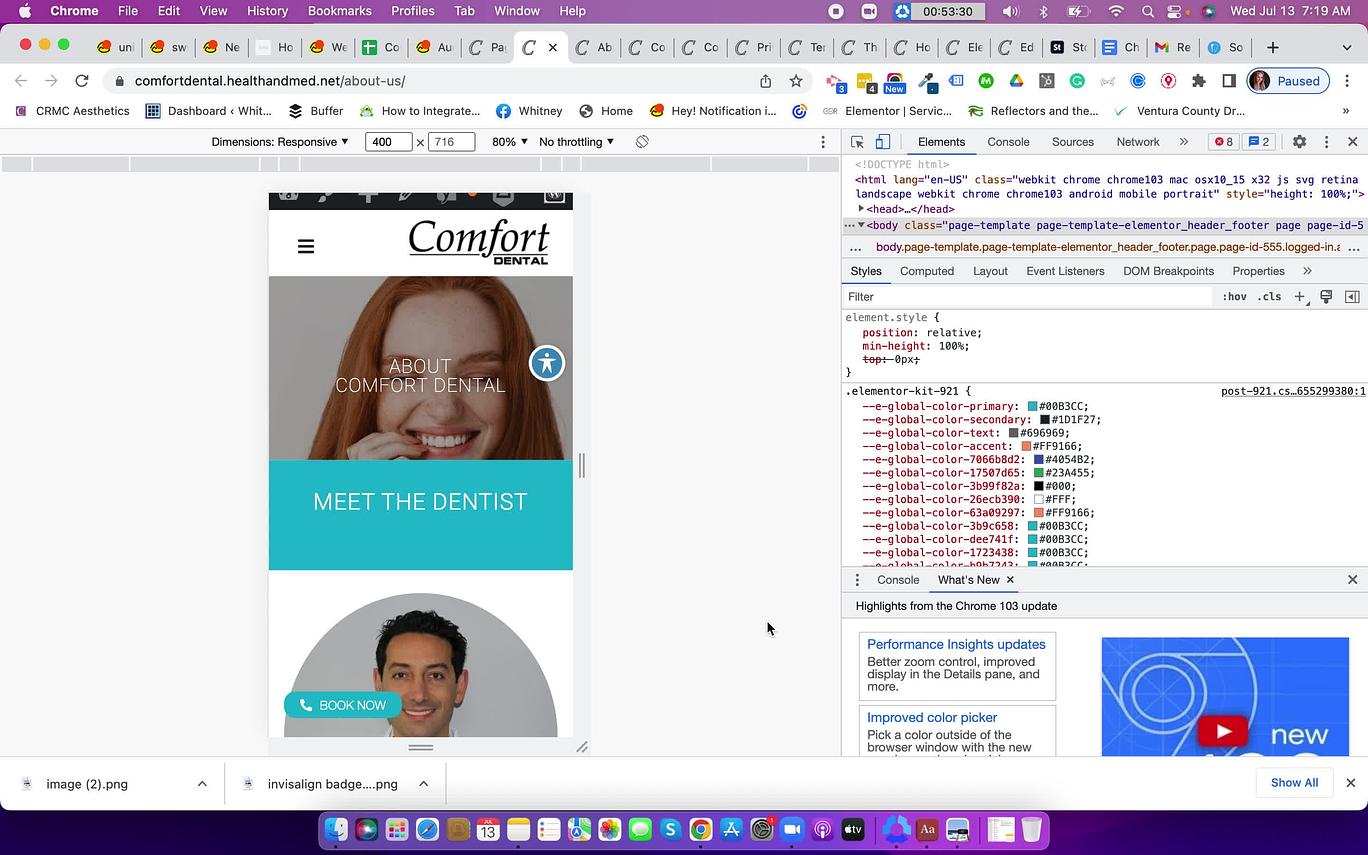
Homepage
1. Mobile map doesn't look right.
2. Confirmation page is missing the Hero image and looks like the Contact page. Make sure it matches the homepage.
3. In The hero image models, a couple of them need to be more left-justified so the words don't overlap as much. *see video*
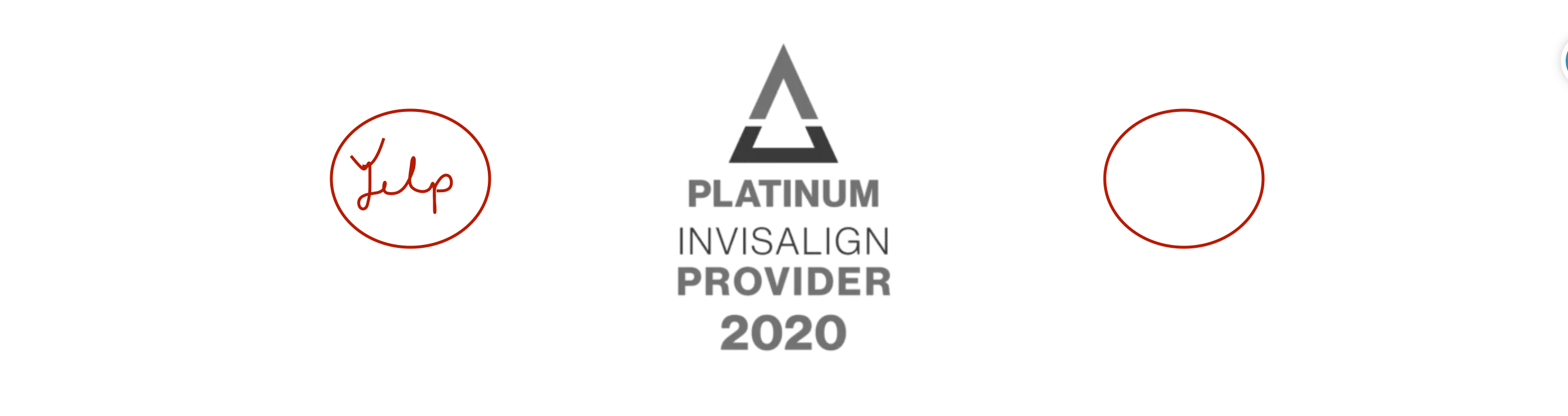
4. Please add the "yelp 5-star" badge that is on the Invisalign page and this one below on either side of the Invisalign badge currently listed after the DR. Make sure they are on mobile too.
 5. Mobile hero image slider is missing, it is only one still image, please make it like the desktop.
In the video ignore where I mention the social icons. Not needed.
Get up to
$1000 OFF
Invisalign
The $1000 OFF should be bigger and bolder than the rest.
Can you also change the background of the gravity form? This client is within a 5 mile radius of our other client so we have to make the gravity forms look different.
Here is the other client's Invisalign page: https://southshoresmiles.healthandmed.net/invisalign/
Thank you!
Thanks as always!
Thank you!
Do we need to have this edit made?
(339) 217-3861
Thank you so much!