









✔ Update Event Page
Completed by Ivonne A.
- Assigned to
-
 Ivonne A.
 Ivy S.
 Jewelyn
- Notes
-
Details:When/time: Thursday October 26th 5pm-7pmLocation: Our office - 18 Newbury Street 5th floor, Boston MA 02116Our 2nd Annual Open House - Patient Appreciation & New Clients - all are welcome! Open to Friends & Family.
- Raffles
- New treatment announcements/demos
- Gifts with purchase of Select Services
- Attendee gift bags
- drinks & small bites
- Booking discounts
- Skincare Product discounts
- Meet the new staff
Raffle Tickets (Cash or Venmo only)RSVP before October 20th and receive 2 FREE RAFFLE TICKETS at check in.
Include a form for RSVPs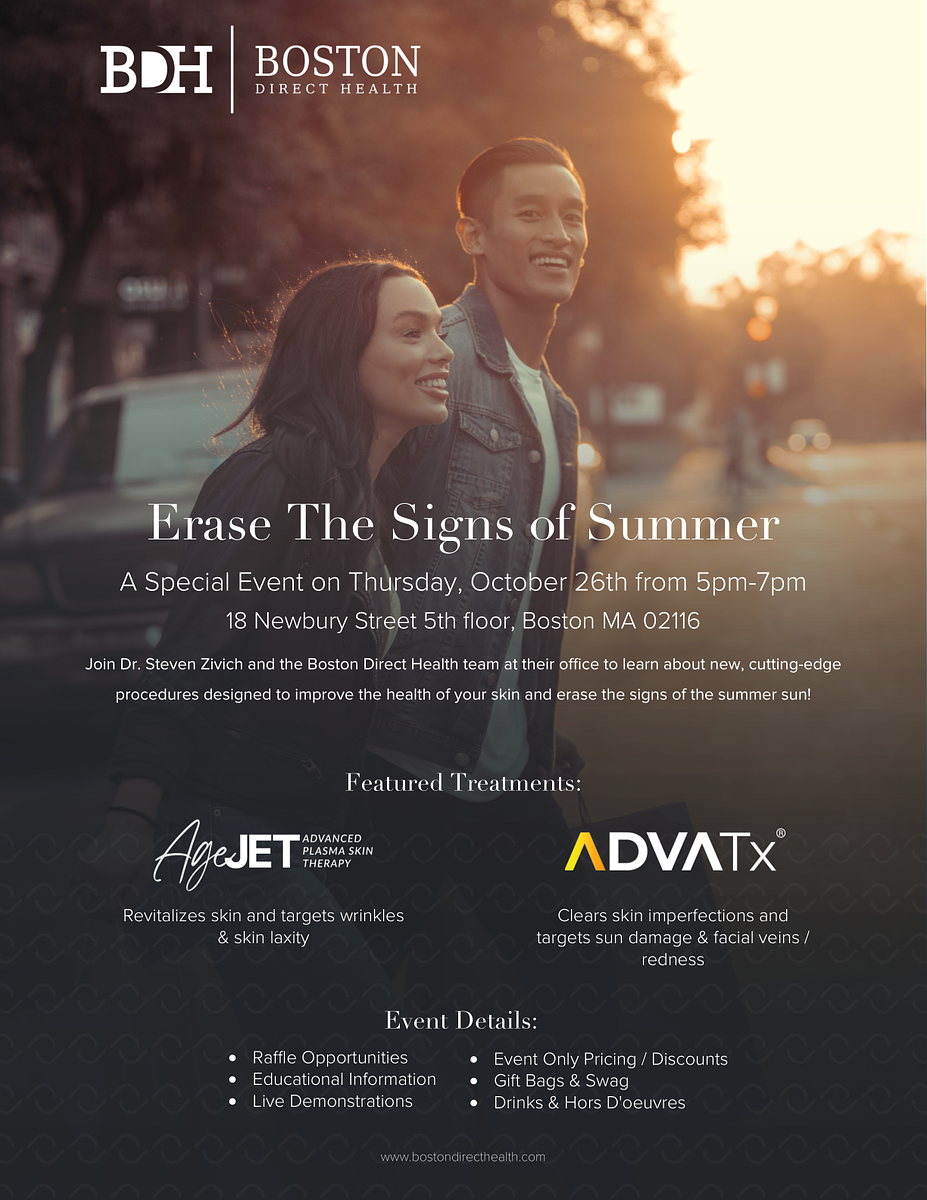
Let me know if you have any questions.
Also, since we took the template from another client Wellnessesity. Please delete all the images that got copied over from Wellnessesity website along with the template once you have made the changes.
Can you create an Event Banner? It should be 1920x1005px
Thank you!
-------
This is the event banner we had for our previous client. You can use this as a template or to get an idea of how you will do it.
- Raffles (use the photo you have)
- Gift Bags & Swag use this photo:
-Drinks & hor' (use the photo you have)
- Booking Discounts:
Skincare Product Discounts
New Treatment Announcements & Live Demos
https://watch.screencastify.com/v/YoDt3e10MFcOuQHMPeIW
I explain more here: https://watch.screencastify.com/v/6DhI21EoLHZlivhFQ5xY
https://bostondirecthealth.com/event-new/
Please check. Thank you!
Thanks!
https://watch.screencastify.com/v/SLP2F4lm6o8MpKtnAY5h
Please change the date to October 26
- change the photo to this one or something similar this is the look they are going for:
https://watch.screencastify.com/v/V3cmFg9ae6iz2RBfD8sm
https://watch.screencastify.com/v/tWBQ0jMwpT4PJeyLFE08
After you do these edits and delete the old client file names, please replace this page:
https://bostondirecthealth.com/event/
with this new one.
Thank you!
https://bostondirecthealth.com/event/
Thank you!
That’s a new automation he will need to set up when he makes the tag live. Normally he uses a tag like “event” or “RSVP” so that it doesn’t have to be changed every event.
https://watch.screencastify.com/v/jkKLvKHCTTURjZKQ5H4T
For the hero on mobile, please have the text come first and then the photo.
https://watch.screencastify.com/v/gyQGezoirGhqGsP3SGGE
# Below is the message that will go out when someone fills the static form on the event page.
# I have also added the event name in the browser tab page title.
2nd Annual Open House - Thursday Oct. 26th - 5pm to 7pm - RSVP Today
and have it link to the Events page gravity form?