














✔ Audit/ Edit final website
Completed by Alyssa W.
- Assigned to
-
 Nolie
Nolie
- Notes
-
SITEWIDE EDITS:
1. Ensure MOBILE buttons on GFs are the same color as desktop buttons on gravity forms are consistent. (mobile left, desktop right)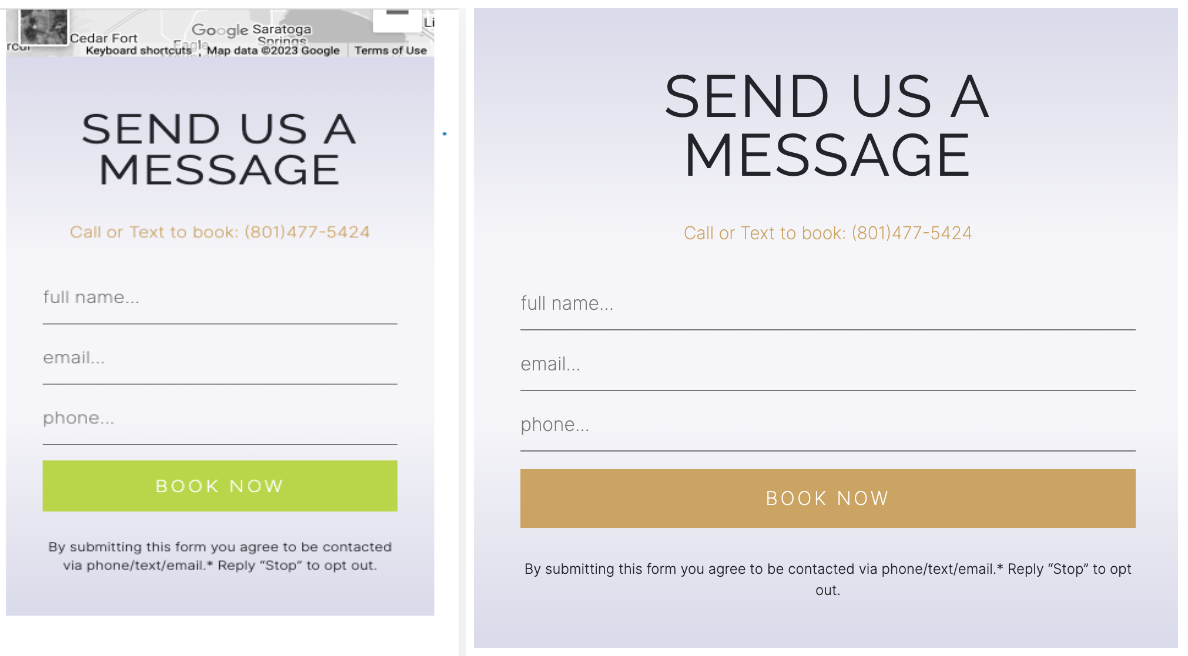
EMFACE
1. Resize and compress this DESKTOP hero image, too large -
https://inspire.medandwellness.com/wp-content/uploads/2023/03/Emface-Inspire-Health-Clinics-South-Jordan-UT-hero.jpg - 426 KB
SEMAGLUTIDE
1. Adjust the photo on DESKTOP version so the model's arm is not cut off. (see how the mobile version looks in the pic below)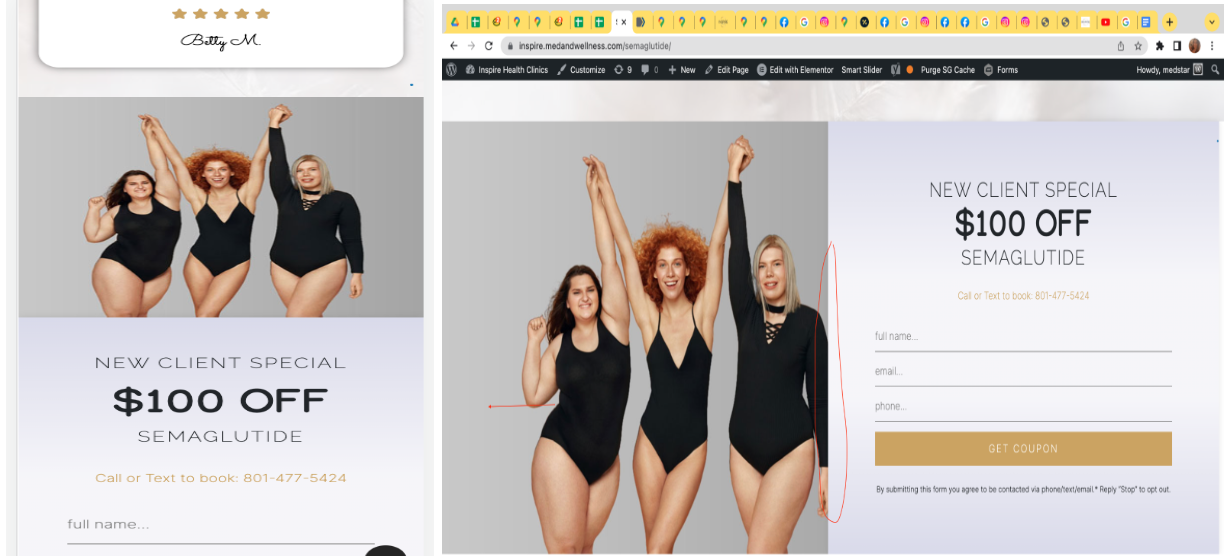
FOOTER
1. Please also move the up arrow (^) so it doesn't cover the text - MOBILE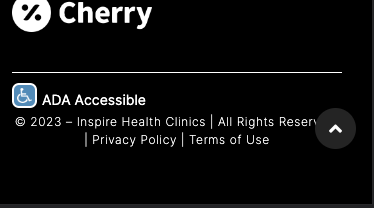
2. Desktop footer looks off, the white at the bottom shouldn't be there. Ada should be on the same line as the copyright portion, same with the up arriow (^)
HOMEPAGE
1. Image is too large, please resize and compress manually then re-uploag
https://inspire.medandwellness.com/wp-content/uploads/2023/03/hot-couple.jpeg - 320 KB
2. It is hard to see the text on this section because of the fade. Can we make it more solid-colored?

https://inspire.medandwellness.com/wp-admin
medstar / Letmein123#@!