Medstar Creative Team

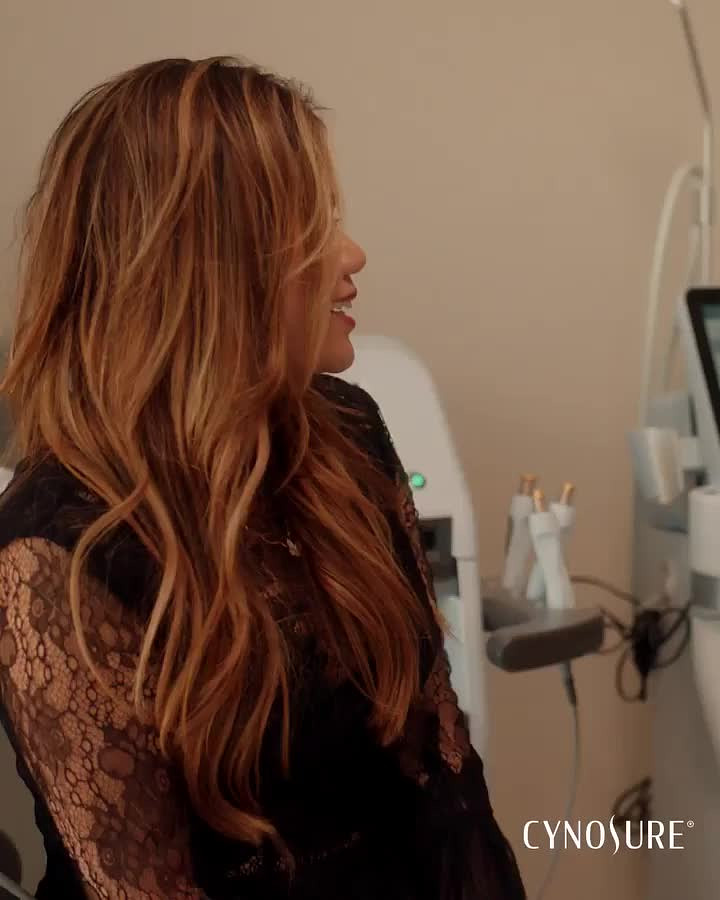
Tempsure Envi Video #3

Assigned to
Elsa, Video Editor at Medstar Elsa
Notes
Hi Elsa, Video Editor at Medstar Elsa Please create a video using the clips and captions below.

Here is the video:


Start at the 4-second mark and go to the 6-second mark. 

Start again at the 11-second mark and go to the 14-second mark. 

Start again at the 24-second mark and go to the 26-second mark. 

Start again at the 28-second mark and go to the 34-second mark. 

Please use these captions:

Say Hello to Radiant Eyes
with Tempsure Eye Envi

brighten dark circles

minimize crow's feet + wrinkles

stimulate collagen production

achieve brighter, smoother eyes

Comments & Events

Brittany Redding, Digital Marketing Manager at Medstar
Elsa, Video Editor at Medstar Elsa  great job! Please make the other size
Brittany Redding, Digital Marketing Manager at Medstar
Brittany Redding completed this to-do.
Brittany Redding, Digital Marketing Manager at Medstar
Brittany Redding re-opened this to-do.
Brittany Redding, Digital Marketing Manager at Medstar
Elsa, Video Editor at Medstar Elsa For this video, can you please place Temspure Eye Envi at the top throughout the video?

So the first caption will now just be Say hello to radiant eyes

Please make the rest of the captions smaller and move then down further on the screen. Thank you!
Brittany Redding, Digital Marketing Manager at Medstar
Elsa, Video Editor at Medstar Elsa  Can you start "say hello to radiant eyes" even sooner so it stays on the screen a little longer?
Brittany Redding, Digital Marketing Manager at Medstar
Elsa, Video Editor at Medstar Elsa  Can you try this instead? For the first clip, get rid of Tempsure Eye Envi up top and place Say hello to radiant eyes up top. Then when the caption switches to brighten dark circles, you can place Tempsure Eye Envi up top for the rest of the video. 
Brittany Redding, Digital Marketing Manager at Medstar
Elsa, Video Editor at Medstar Elsa Thank you. Let's go back to this version:


We like the difference in font sizes, but can you make Radiant Eyes smaller that it currently is?

For the 1080X1080, The rest of the captions need to be smaller as well. After the first caption, can you place the rest of the captions further down on the screen?

For the 1080X1920 version, Tempsure Eye Envi needs to be further up on the screen. The other captions need to be smaller throughout the video. 
Brittany Redding, Digital Marketing Manager at Medstar
Elsa, Video Editor at Medstar Elsa Not sure how this clip got added back in but can you please remove it?

Brittany Redding, Digital Marketing Manager at Medstar
Elsa, Video Editor at Medstar Elsa  You're right. I am sorry. I am blind! These are great. Thank you so much!
Brittany Redding, Digital Marketing Manager at Medstar
Brittany Redding completed this to-do.
Elsa, Video Editor at Medstar
No Worries! thank you so much as well