My Health & Glow - www.myhealthandglow.com

This is for a client who already has a website we can use that we just need to optimize.

Resize/Compress photos

Assigned to
Kristabel, Medstar Kristabel Selena Vujatov, Medstar Selena V.
Notes
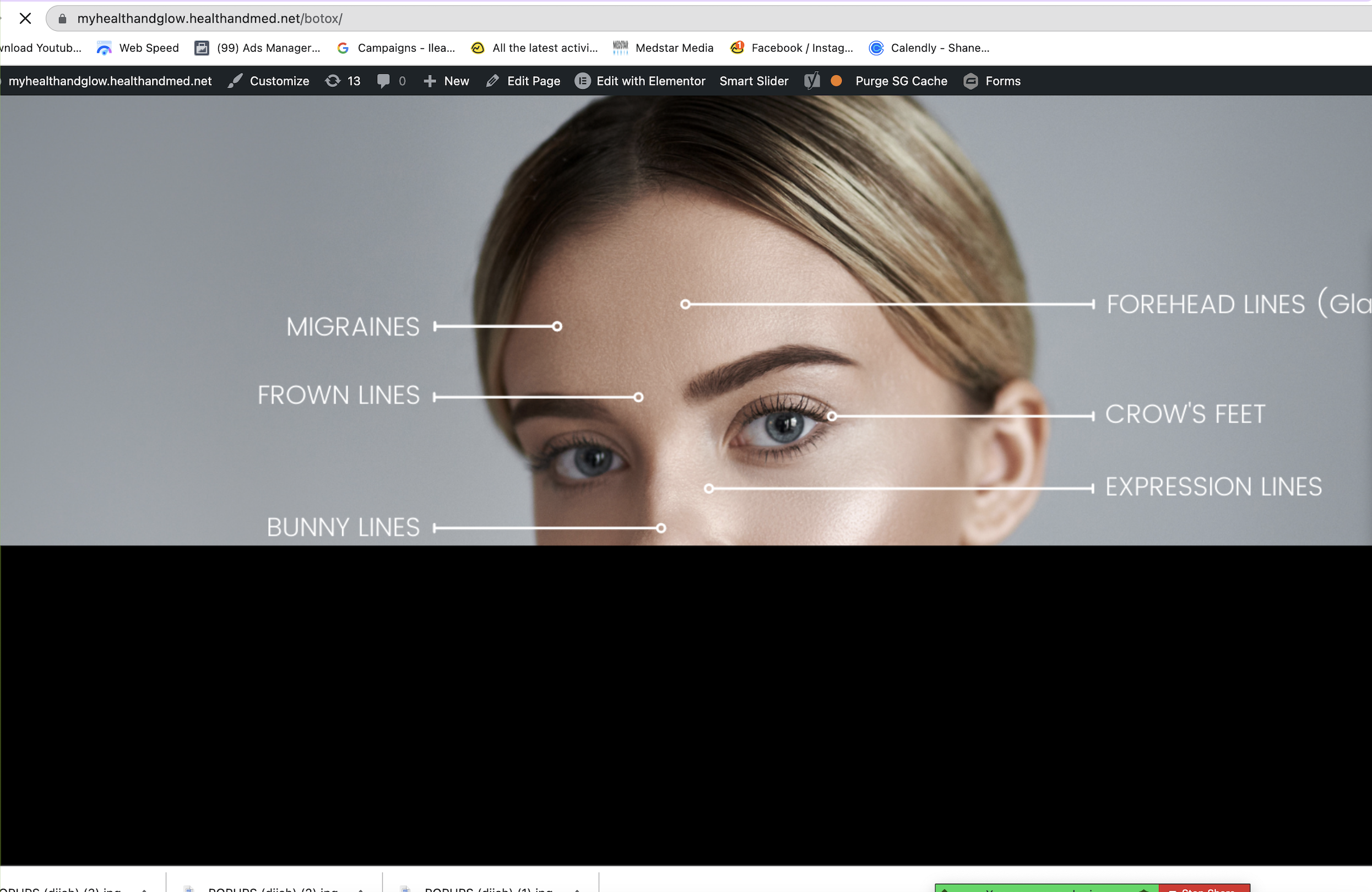
Hi  Kristabel, Medstar Kristabel and Selena Vujatov, Medstar Selena what's an easy way to make sure all photos on this website are resized/compressed? For example the one below on botox page takes a long time to load and I'm wondering if the file is just too large?


Comments & Events

Selena Vujatov, Medstar
Ivonne Ackerman, Medstar Ivonne I just resized and compressed that image and the one for the mobile version. It was really big, 1980px width which was unnecessary because the maximum width of the main content is 1350px.
There are some plugins for image compression but a better option is to always resize and compress images before uploading. There's a great option in Adobe Photoshop I use to save images for our websites: "Save for Web (Legacy)". Also, images shouldn't have more than 1920px.
Ivonne Ackerman, Medstar
Selena Vujatov, Medstar Selena  thank you so much!
Ivonne Ackerman, Medstar
Selena Vujatov, Medstar Selena I used to use that adobe photoshop feature when using photoshop. However, if downloading from canva, for example, does the photo below need to be resized and compressed further?
Alyssa Workman, Medstar
Alyssa Workman completed this to-do.