













✔ Confirm hi@medstarpatients.com is not in client's spam folder
Completed by Hector M.
- Assigned to
-
 Hector M.
- Notes
-
Send from hi@medstarpatients.com's email. Make sure you send it to ALL lead notification email addresses on the Client's spreadsheet.
Template for Email:
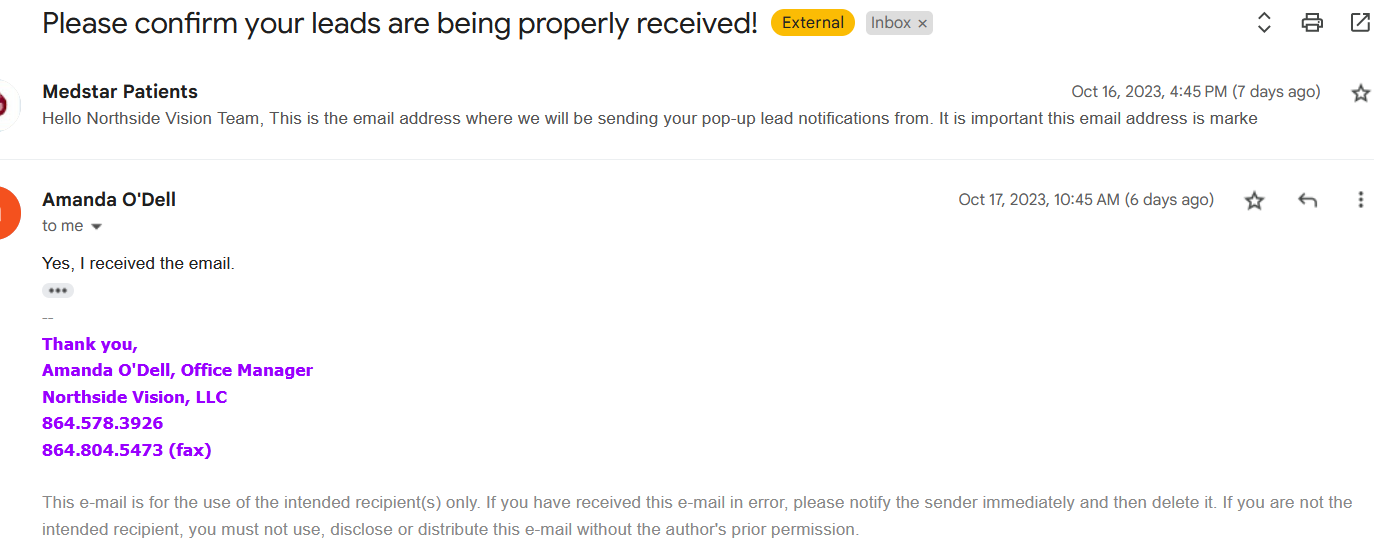
Subject line - Please confirm your leads are being properly received!
Hello ((client)) Team,
This is the email address where we will be sending your pop-up lead notifications from. It is important this email address is marked as "not spam" and moved to your Primary Inbox. Please add "hi@medstarpatients.com" as a contact in your address book.
If you need assistance, please let us know. It is important that you are always checking your "primary inbox, updates, promotions, spam, etc" just in case an important email goes there.
Reply "YES" to this email to confirm this email is in your primary inbox.
Thank you,
Medstar Media
Comments & Events
Hector Mota,
Operations Manager
Checked client's {Northside Vision (Optometrist) - www.northside-vision.com - Katharine} spreadsheet for new onboarding info added. Noticed and identified ((
amandanorthsidevision@gmail.com)) as the email to be the one for where leads will be going to. Verified spreadsheet had them, updated task, will now send Hi@medstarpatients email and provide to team for leadsheet set up.
Hector Mota,
Operations Manager
YES Reply!

Hector Mota completed this to-do.