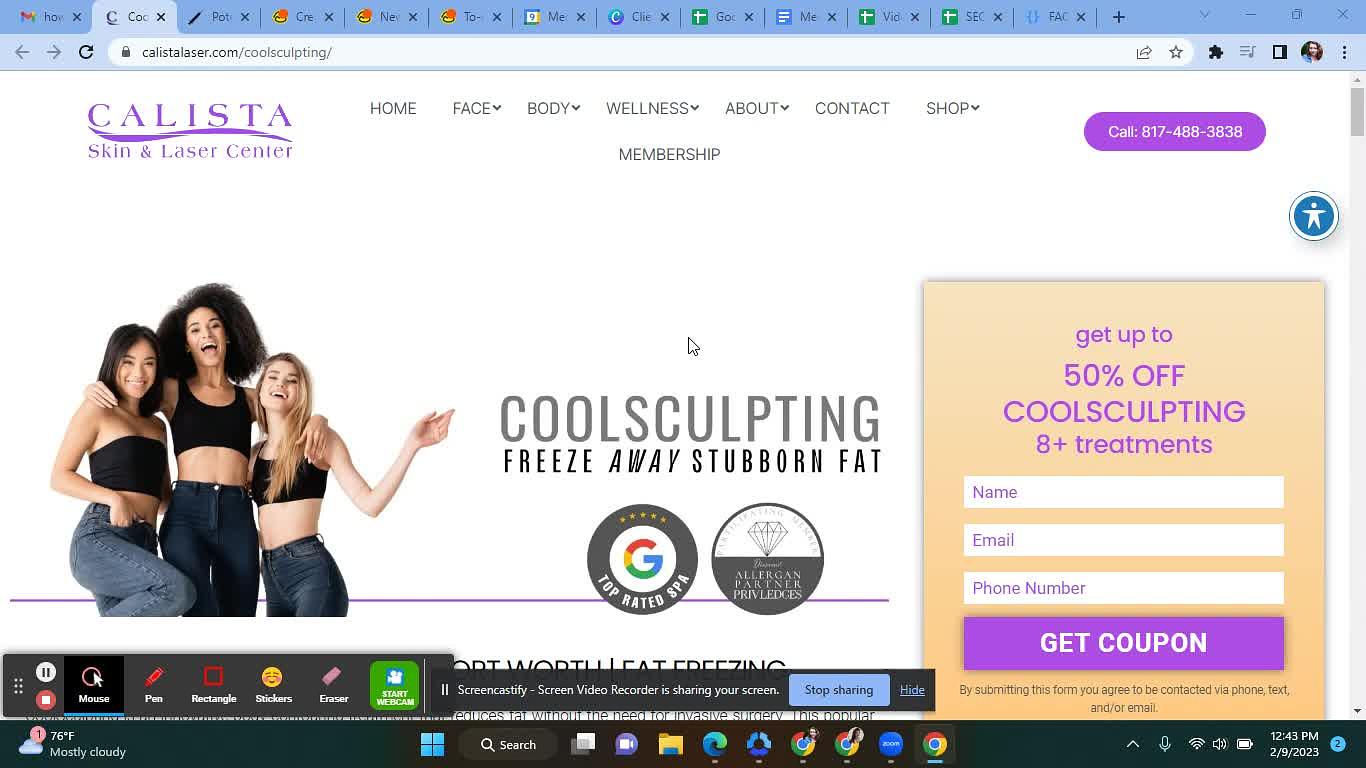
Remove or Update any information & personalize it with the template below. If a disclaimer or blurb needs to be added, create it and add to SEO Services Content Blurbs linked or ask the writer.
Hi @ please make the edits to the page & its respective thank you page. These updates are rearranging, deleting, and adding optimized for SEO arrangement and placement.
Notes about the Document: -Underlined in Red = includeLink. *If a link is not included in the document, notify theassignee. - Red and not underlined = Add content - Anything STRIKE THROUGH, please remove. - Check if FAQ Schema is on or Created.
The document that Restructures the Page: Link Here Any Additional Content: Unique Graphic / Unique Video (Remove if not Included) IF new FAQs or Remove If not applicable
(For Elementor sites with only ONE FAQ section, include this step)
Toggle on FAQ Schema (if there is more than one FAQ section, use the below instructions
(For non-elementor sites OR Elementor sites with more than 1 FAQ section, include these steps)
Check Everything Below: 1. Links work as assigned 2. Assigned URL & respective TY pagematch the documentabove 3. Check that HTML Tags are correct 4. Optimize Alt Text on Images 6. Click Link: Test for FAQ Schema 7.Fill in the URL: SEO Master Sheet
8. @ Hector, to Submit the page for indexing to Google