














✔ Audit/ Edit final website
Completed by Alyssa W.
- Assigned to
-
 Nolie
Nolie
- Notes
-
Nolie
NOTES TO KEEP IN MIND
1. All gravity forms must not use Headings as a styling element. I changed them to <p>SITEWIDE
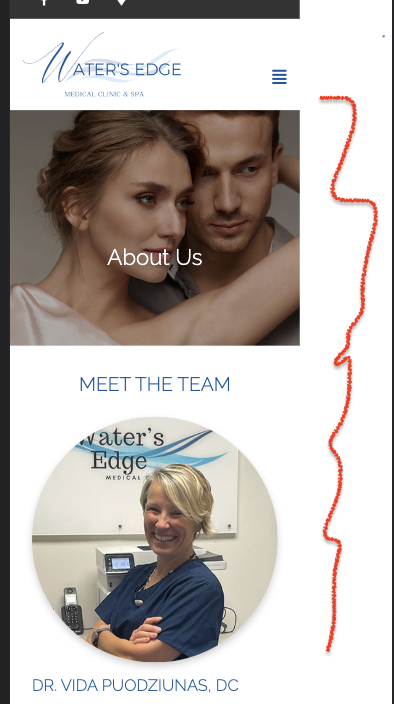
1. Check the CSS, this is how the mobile version is looking right now.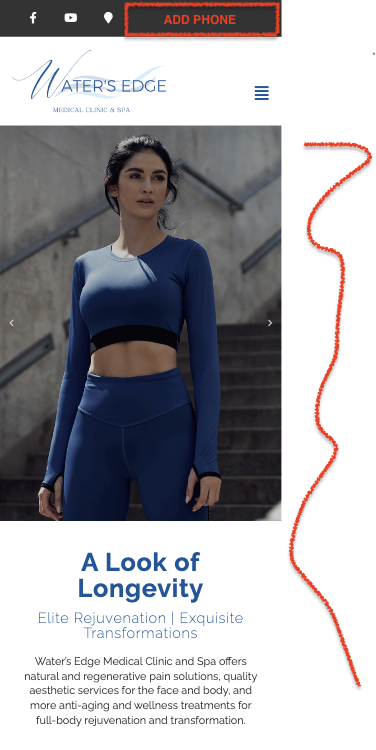
 2. Check the form settings that the 'TO' & 'FROM' have the same email input: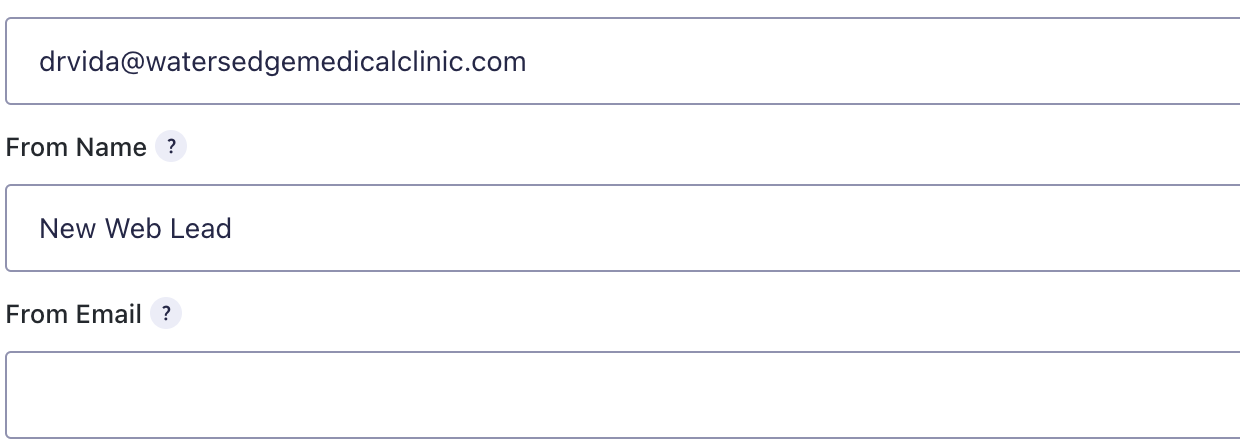
3. Make sure all gravity forms are linked to the correct confirmation page. Some gravity forms don't seem to be connected.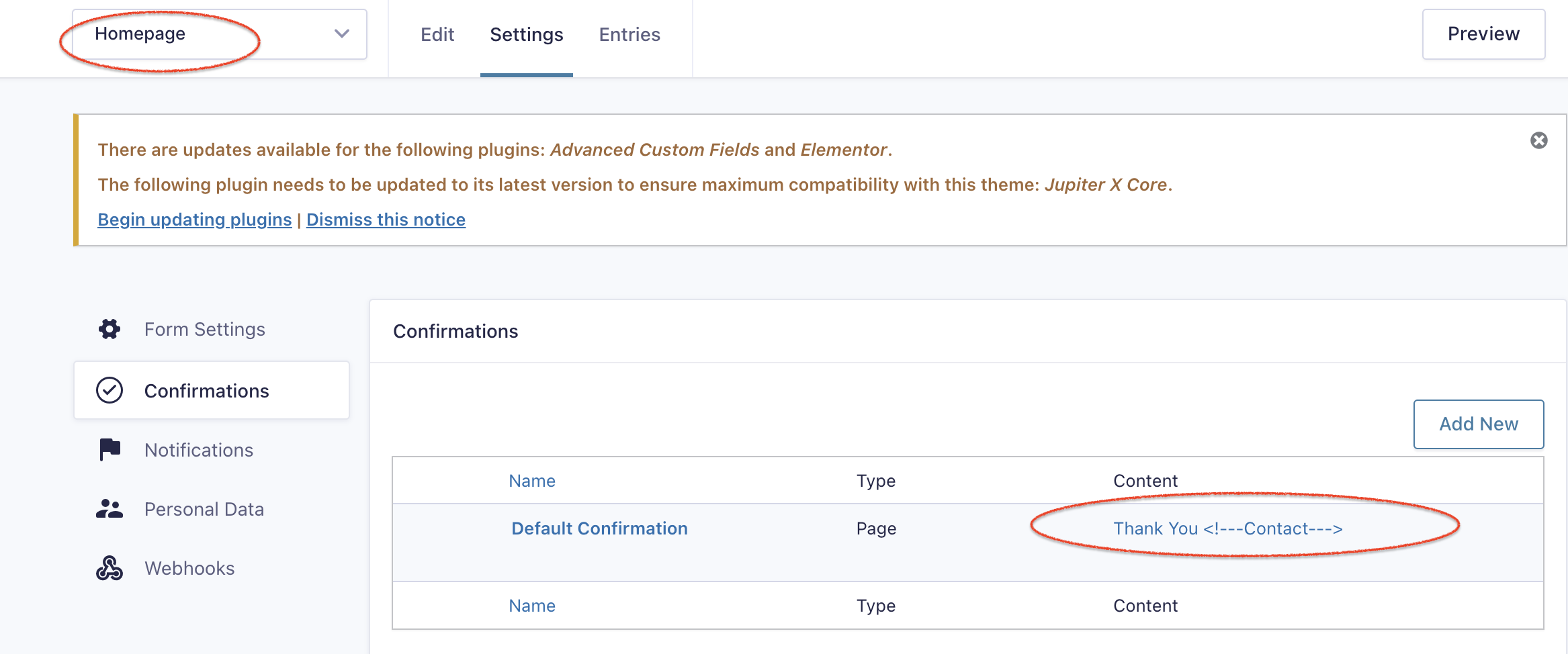
5. Gravity forms need to match with the content on the Top, mobile & bottom. Many of the bottom forms still had lorem ipsom on them. I removed the lorem ipsom but please double-check. - ALL SERVICE PAGES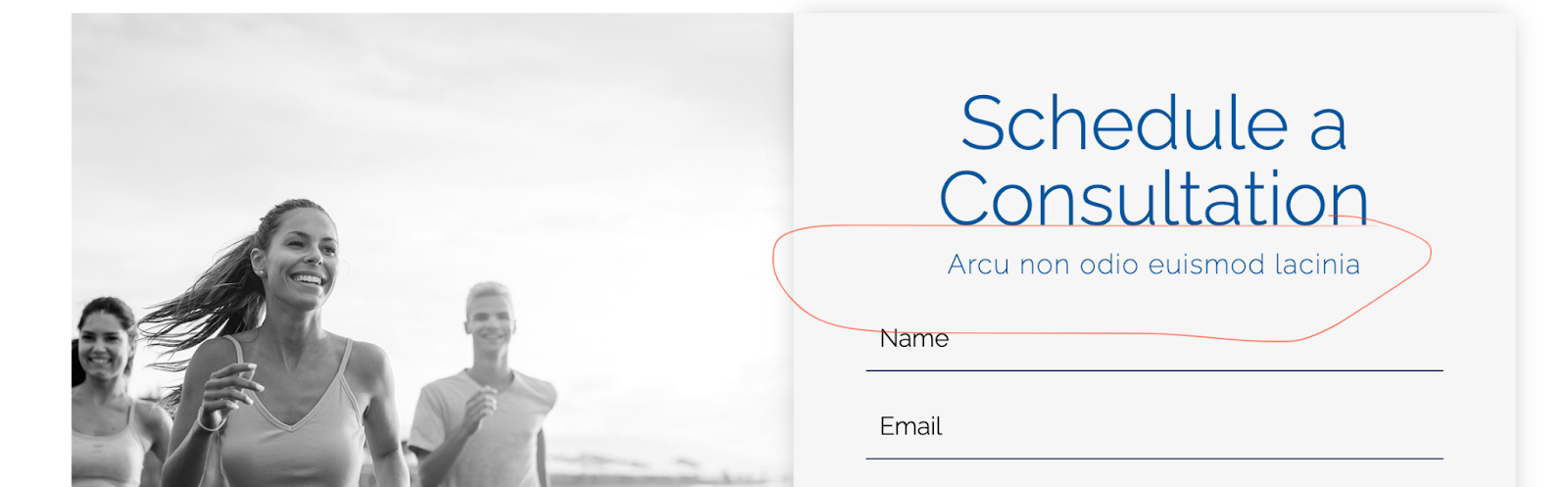
6. Make sure all confirmation pages RETURN hero image buttons open back to their same respective landing page, all are going back to the homepage. - MOBILE & DESKTOP
7. Anchor the BOOK NOW button on the Hero image to the top gravity form, many do not and open to a blank page. - MOBILE & DESKTOP
HEADER
1. Add phone number to header - MOBILE ONLY
2. The phone number links to the gravity form, it should have a hyperlink - DESKTOP ONLY
2. Add an Instagram icon and link to https://www.instagram.com/watersedgemedicalclinic/
3. Enlarge the logo a little, hard to see it. Also, enlarge the menu items when enlarging the logo. - DESKTOP ONLY
4. Make sure all 'BOOK NOW' buttons on service pages scroll to the top gravity form and don't open a new page.
FOOTER
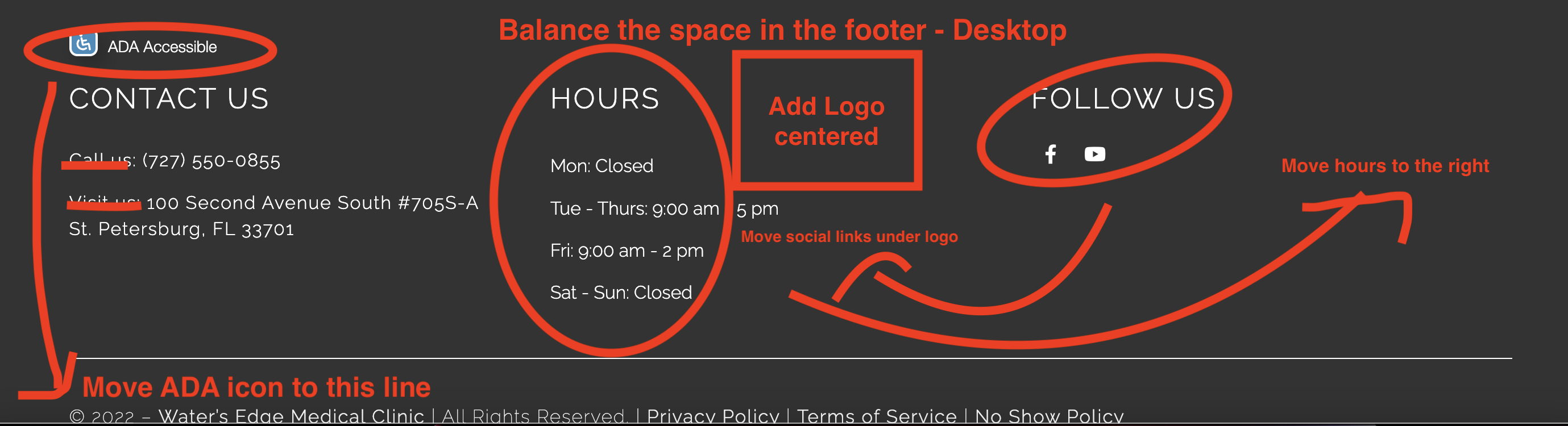
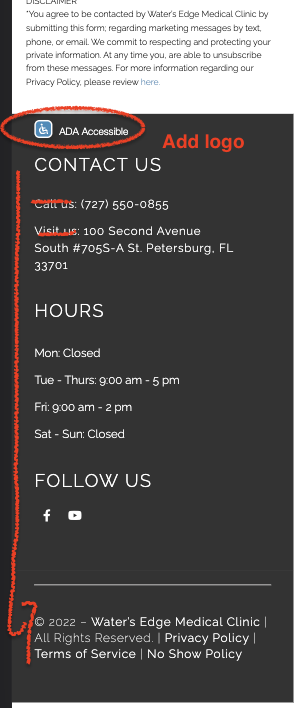
1. Move ADA icon down to the same line as the Copyright/privacy policy info - MOBILE & DESKTOP
2. Remove 'Call us' & 'Visit us' don't need. - MOBILE & DESKTOP
3. Need to add the Logo, centered on the Desktop, at the top of the Mobile.
4. Move the hours to the right and the social icons under the logo - DESKTOP
5. Balance the space on Desktop.
6. Add an Instagram icon and link to https://www.instagram.com/watersedgemedicalclinic/
HOMEPAGE
1. Make sure the gravity form is linked to the Homepage confirmation page, currently, it is set to the 'Contact' confirmation.
2. Is the Hero slider meant to transition automatically? It only changes when clicking the arrows. - MOBILE & DESKTOP
CONTACT US & CONFIRMATION
1. There is no confirmation page, please create and link the form to it.
2. Make the map address clickable and open to the google map pack.
ELITE IQ
2. Move the Hero image model up a little so her feet aren't cut off - DESKTOP ONLY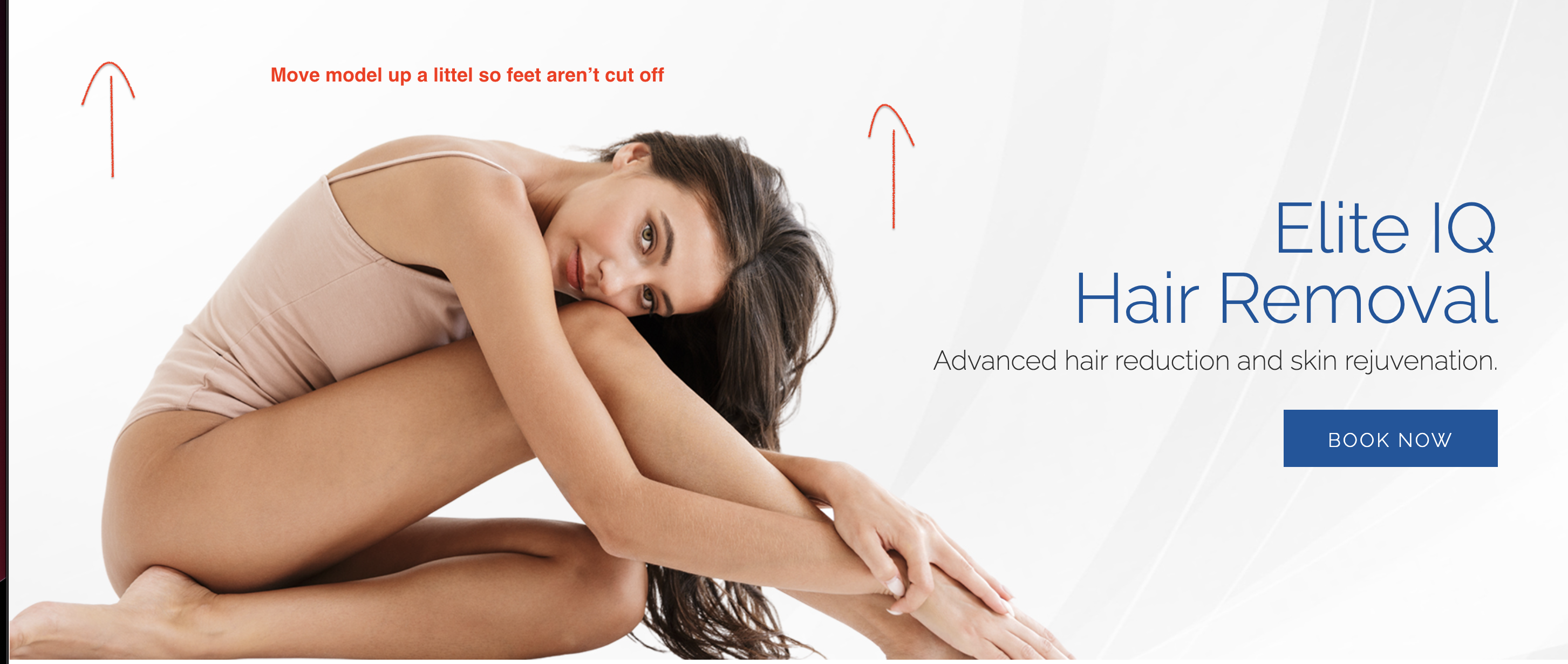
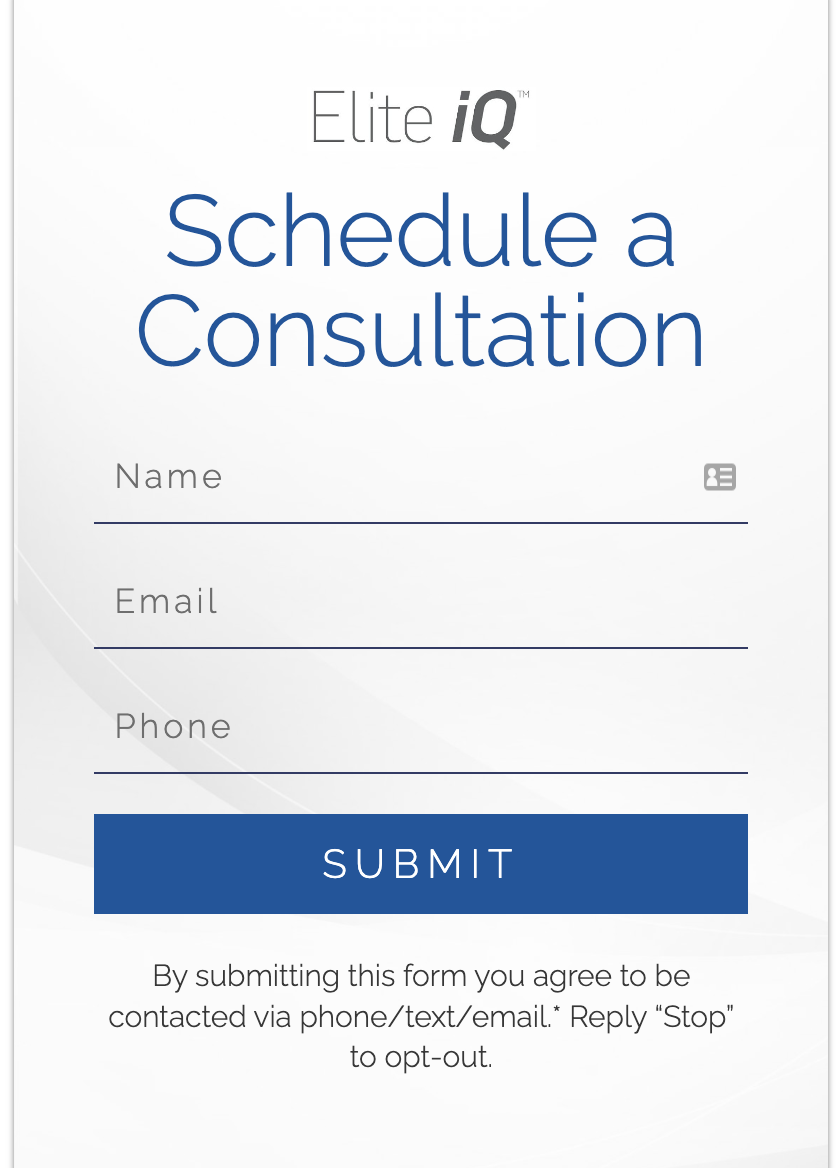
3. Gravity forms do not match. Please fix the bottom form by adding 'Elite IQ' and the background design.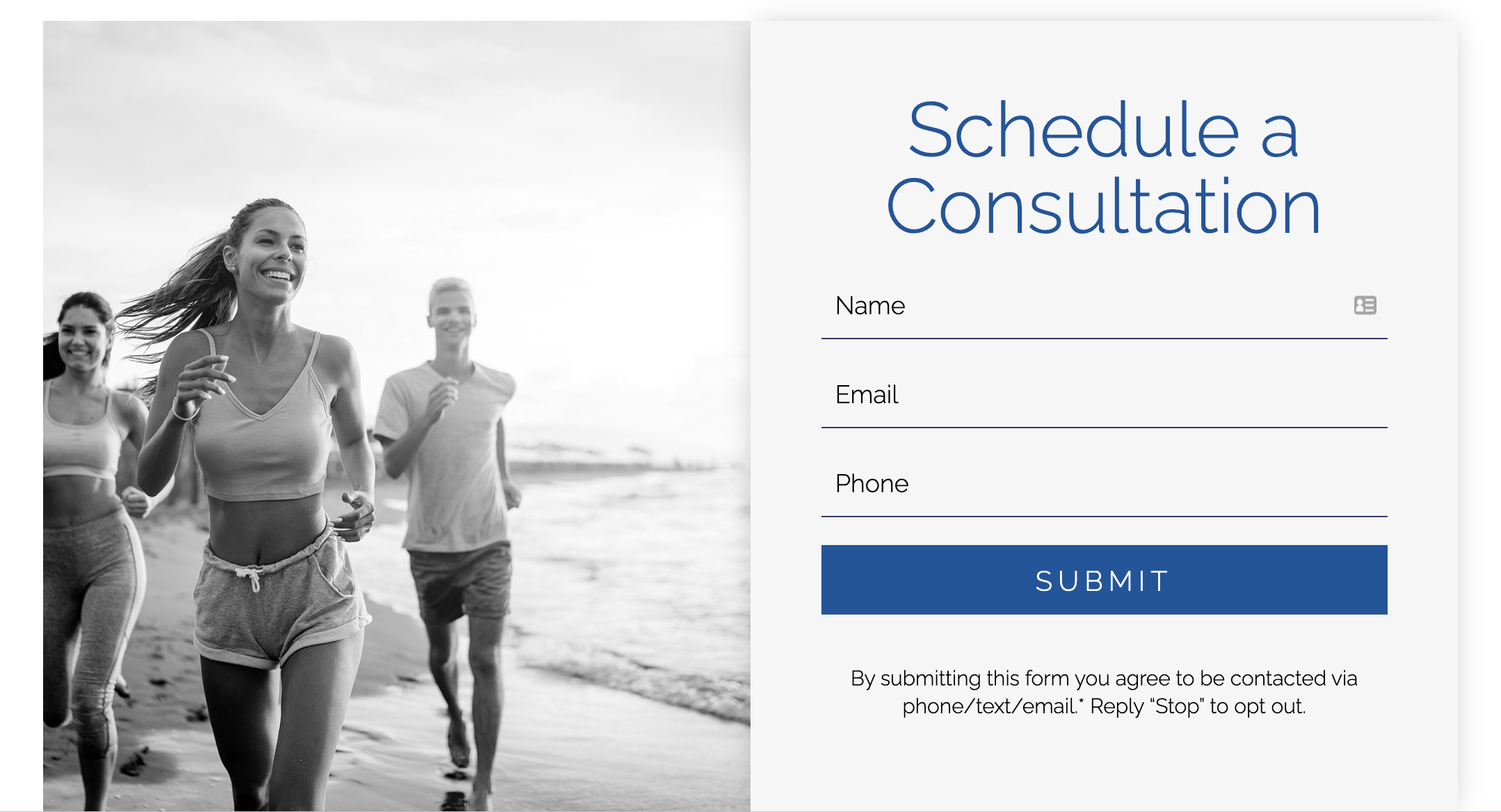
 4. Anchor this BOOK NOW button and have it scroll to the bottom gravity form (it opens a new page)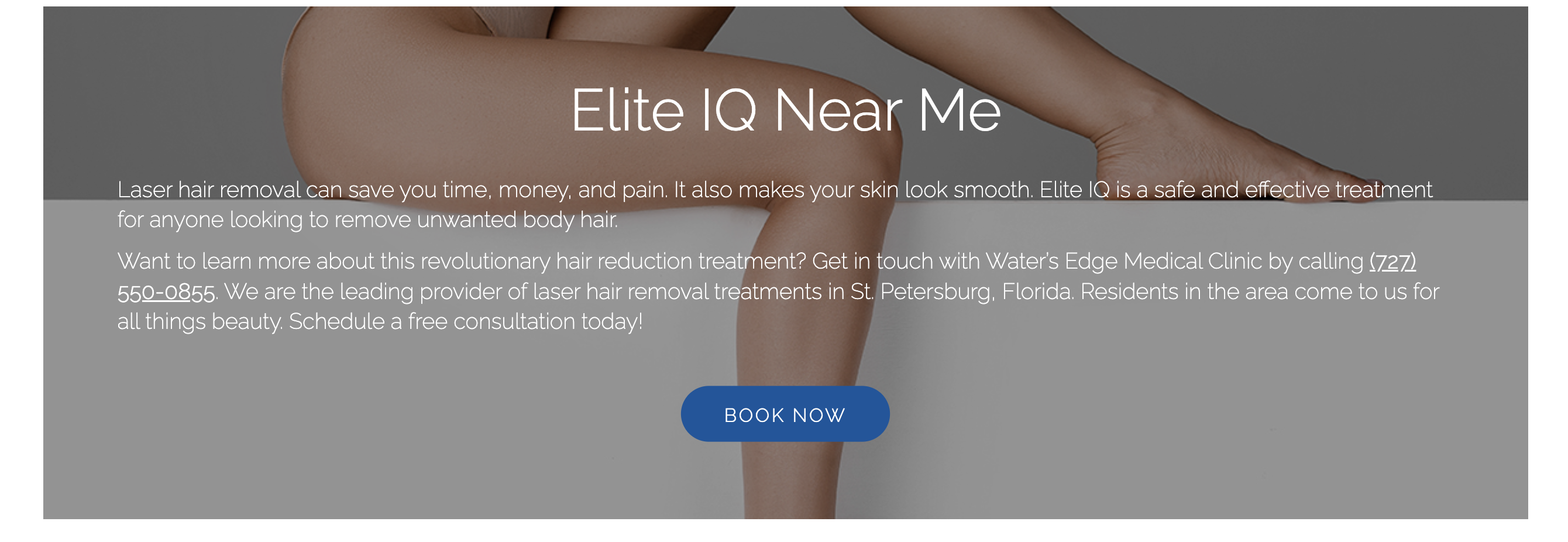
WEIGHTLOSS
2. Resize the chart on the Mobile version so the text does not get cut off.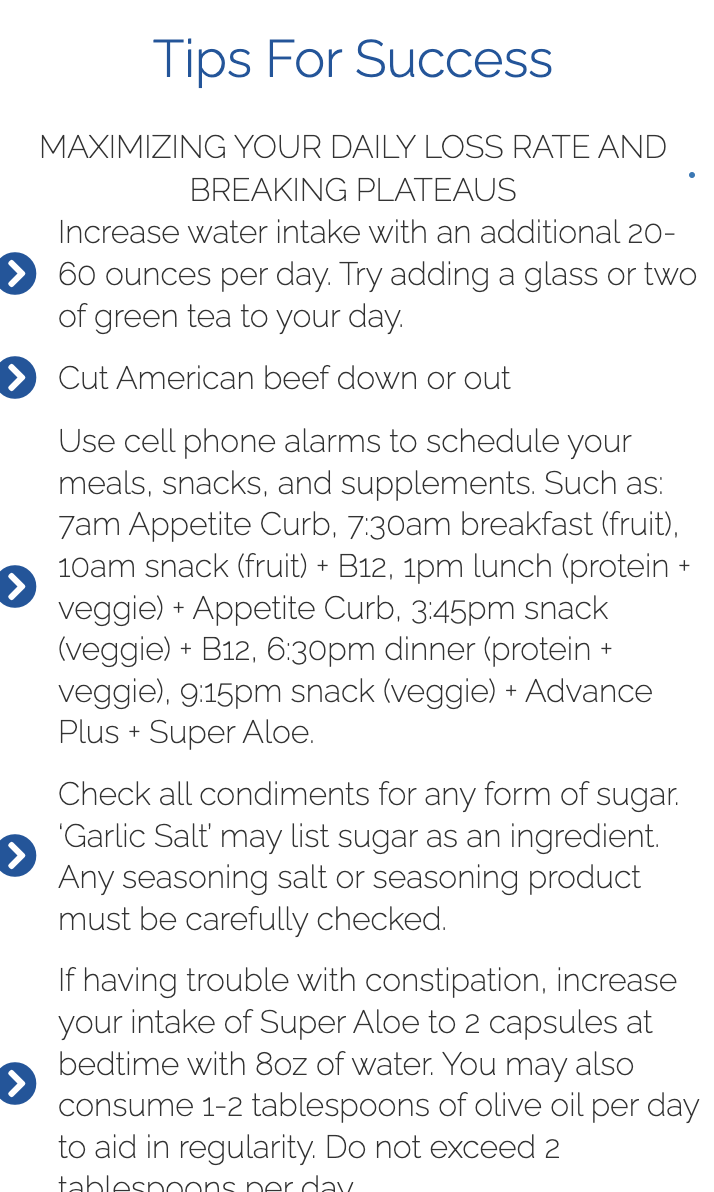
Wound Care
1. Make the image fill the space more if possible so there isn't so much faded area. - DESKTOP
Sciata
1. Resize hero image so the model is not cut off


Try to complete it by Tomorrow or Thursday since I won't be able to finalize it until then since I was given a higher priority audit.
Thanks so much!
1. I removed the link that goes to their reference website for now.
2. Regarding the menu items in question.
- Those were added later on a different task here: Internal Pages *If you cannot find information on the Web Dev task, be on the lookout for a task like this and use [command+f] to quickly search for the specific word/service.
- Joint injections refers to all the specific joint areas listed as sub-menu items in the natural pain & regenerative clinic: symptoms menu.
3. I'll ask about "Mondays by appointment only"
4. The extra space is okay, it's the content that we have.
5. The blank '+' FAQ sections seem like a mistake, I'll remove them.
6. Larger bulleted number icons are okay
7. Any time a color of a title seems off, yes, assign the developer to update it, doesn't need to be a design question.
Good catch on the PRP! I will have Brittany or Jessica do the grammar edit and have them update this. I'll tag you again once I post the final edits and we can review them early next week.