








✔ Index only Pages, Post & Authors
Completed by Hector M.
- Assigned to
-
 Hector M.
- Notes
-
Hector, please make sure only pages, posts, and authors archives are indexed in the client's sitemap.
Let's avoid having everything being listed in the sitemap. Once this is done, we can verify via the search console.
Here's the video for it.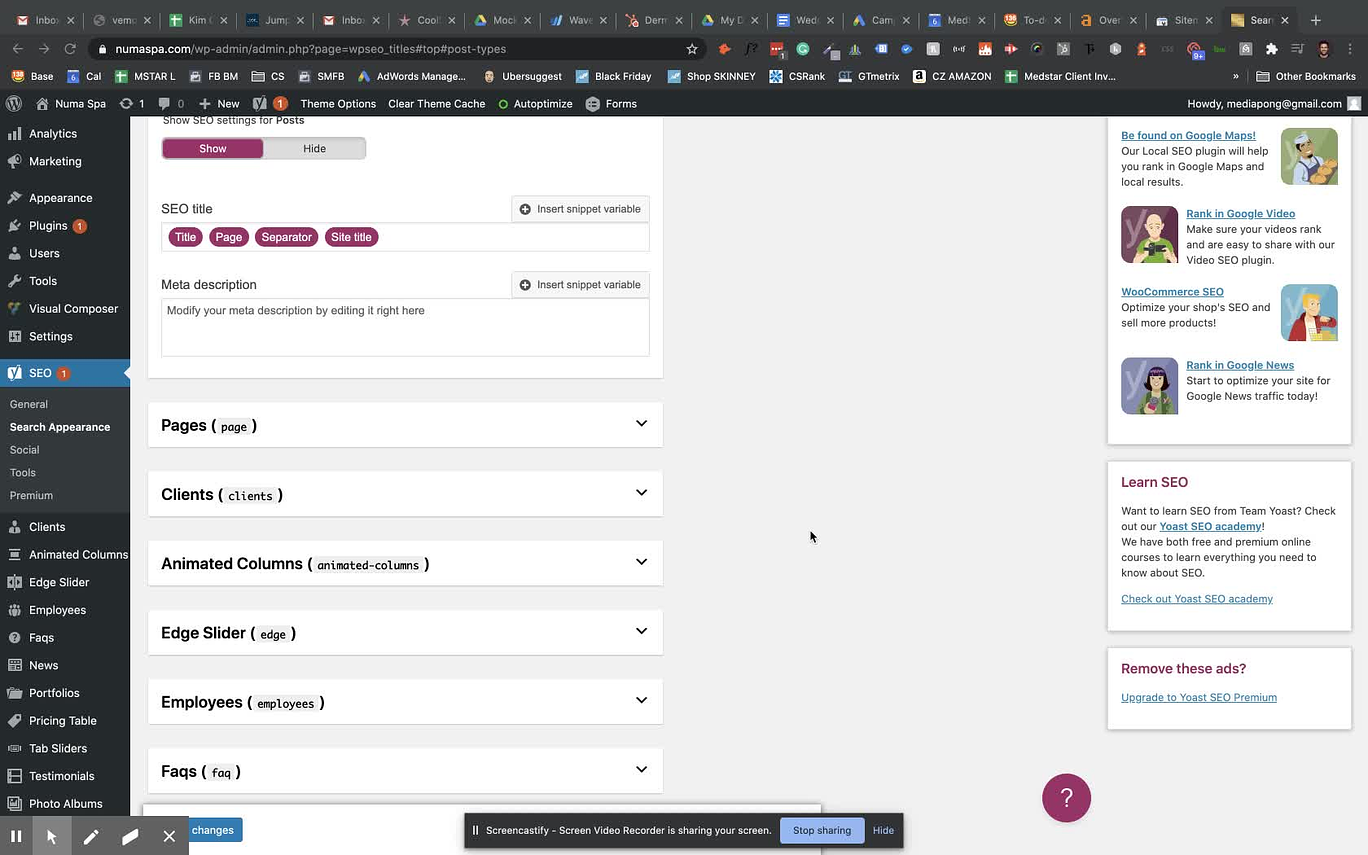
on this client's page. Remove tons of content types marked for Indexing.
Updated YOAST SEO settings.
Will need to verify site to get it verified on Google search Console and resubmit sitemap_index.xml for new indexing.
Can you show me how you add the code to sites that have these types of themes?
Where do you add the HTML code to?
On the other ones, I add them to the header.. .
It sounds simple to you since you already know how to do it.
However, I am not sure where the code goes.
Can you please create a video showing what you mentioned in steps?
I want to be sure I do it correctly.
That way I can free you up to take care of the really important stuff.
Thanks.
So instead of doing this the above way. I just learned a really easy and fast way to do this by using the Yoast SEO plugin.
Go to Yoast > General > webmaster tools. There you will see the fields to paste the google search console verification code.
I appreciate the trouble you go to explain and help me with these things.
That step on YOAST sounds very simple and I will go ahead and verify the next one that way to see.
I went ahead and verified it the way you mentioned.
Easy as pie!!
Thanks again.