













✔ which email is being sent from the RSVP event page
Completed by Nicol R.
- Assigned to
-
 Isaac K.
 Nicol R.
- Notes
-
Hi
Isaac
I am testing this page: https://bodymorphmd.com/events/
and have gotten two email responses (below). Which one is coming from this form fill?
I want this RSVP to have a unique response. Are you able to create a workflow for that without changing the email responses from other pages?
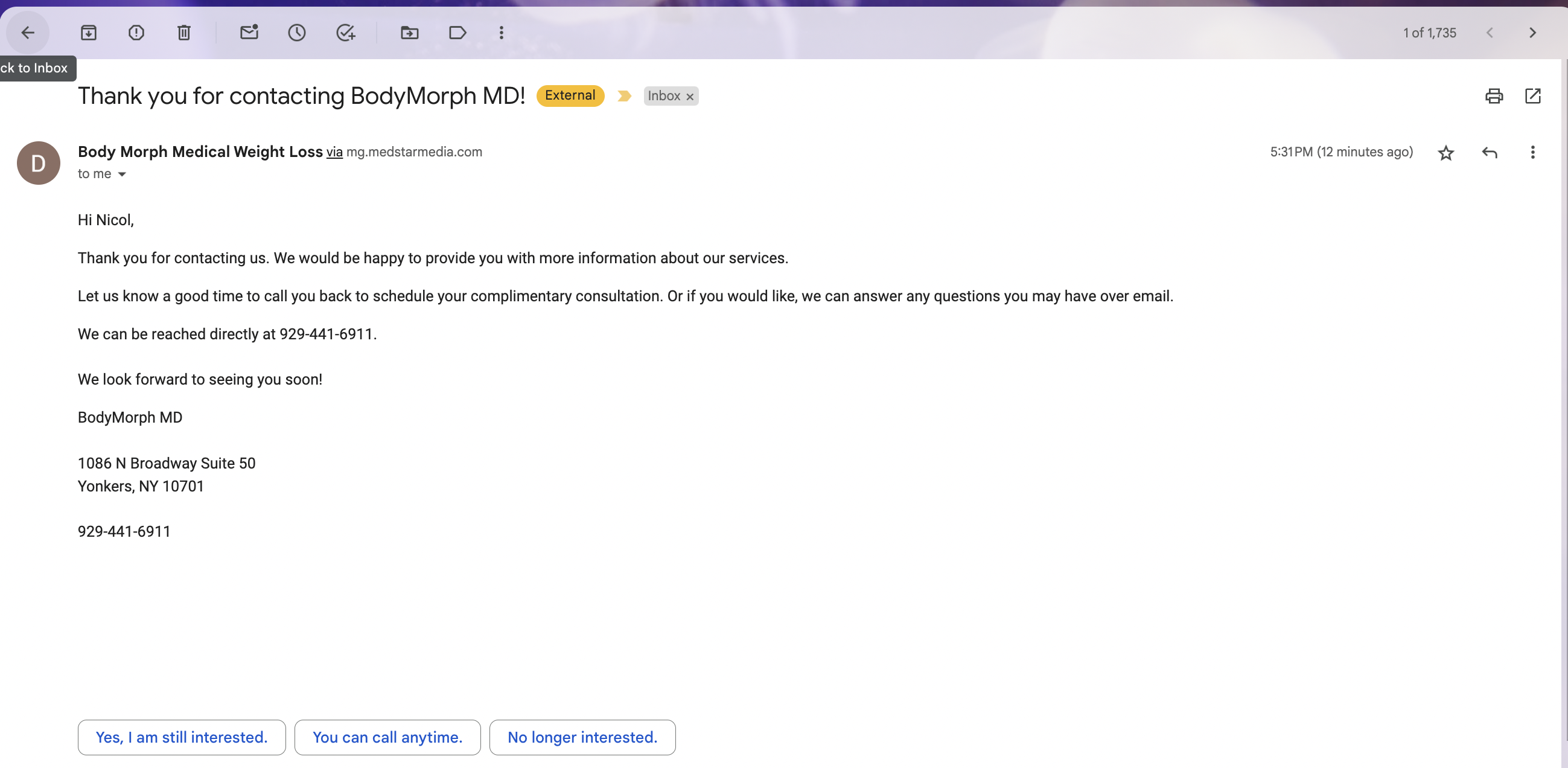
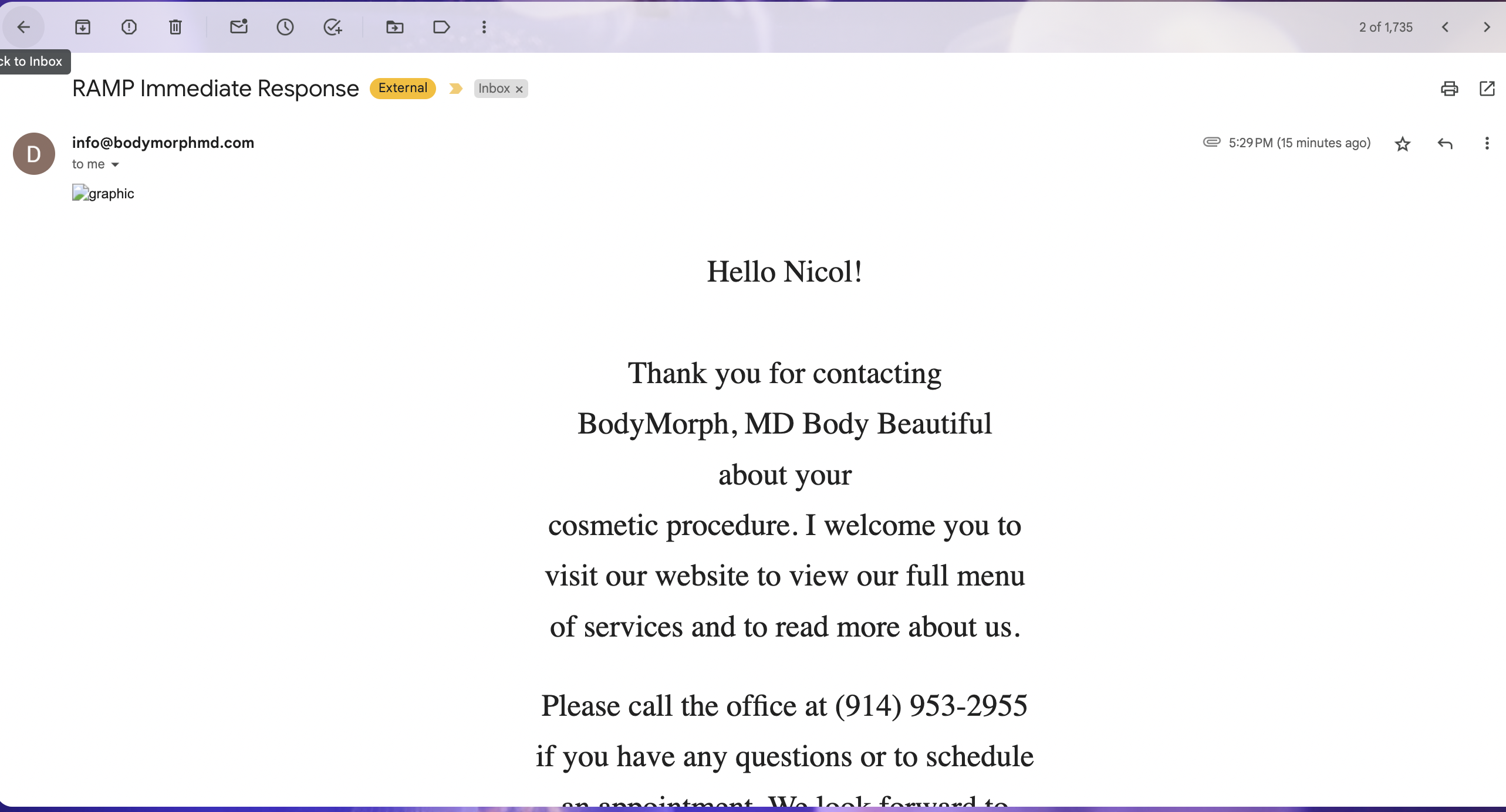
Yes. We can create a separate automated text for the RSVP leads. Please add the text/email templates and I will connect the event form to them.
The text template is : RSVP December 2023- core campaign
The email template is: Email RSVP December 2023- core campaign
Thank you!
Can you please also take a look at the speed issue for this page?https://bodymorphmd.com/events/
https://pagespeed.web.dev/analysis/https-bodymorphmd-com-events/nlrxqg4plj?form_factor=mobile
Quick QuestionS for you.
On the events page we only have on location image but on the confirmation page we have two different location graphics?
Also in the form we are giving an option to the user to choose b/w two different locations but in the automated text it's only one location?
# I will check for the speed.
Updated
Google page speed report link
This event has passed, anyways. The client hasn't requested this be pulled down. I will ask her.
Does that answer the question?
For the confirmation pages. I think
For the location field or any other changes that needs to be made in the forms or popups on the main page as per the new updates from the client. I think you will need to manually put in the instructions for them.
I will help with updating templates when new requests come through like this, but it doesn't hurt to add a reminder when the request is tasked. I will also send a reminder to developers because they should know automatically to do this and have received reminders previously.
Yes, the changes in the location field or other changes will need to be specified instructions that are manually entered.