












✔ Audit/ Edit final website
Completed by Alyssa W.
- Assigned to
-
 Nolie
Nolie
- Notes
-
Website Audit Checklist
Audit Guide Alyssa
Design Question for
 Ivonne
Edits for Developer
Header:
Footer:
1. Create a Terms of Service page and link to the correct button. Currently, the terms of service button takes you to the privacy policy.
2. Add IG icon and anchor to https://www.instagram.com/westportmedispa/
4. Add Yelp icon and anchor to https://www.yelp.com/biz/westport-medispa-westport
5. Add Care Credit icon and anchor to https://www.carecredit.com/
6. Make the ADA icon in-line with the all rights reserved text - Desktop only, ok on mobile
Contact Us Page:
1. Add email address under the email icon and link to open up a blank email page to the address admin@westportmedispa.com
Contact Us Confirmation Page:
1. Make the confirmation page match the landing page
Homepage
1. Anchor Botox Learn More button to https://themedispa.com/botox-westport-ct/
2. Anchor the Dermal Fillers Learn More button to https://themedispa.com/dermal-fillers-westport-ct/
3. Add a featured image
Homepage Confirmation Page
1. Make the confirmation page match the landing page
About Us Page:
1. Resize hero image to fit better on mobile version + correct extra padding issue
3. Create an About Us Confirmation Page
Botox Page:
1. Resize image so the top of the models head is not cut off
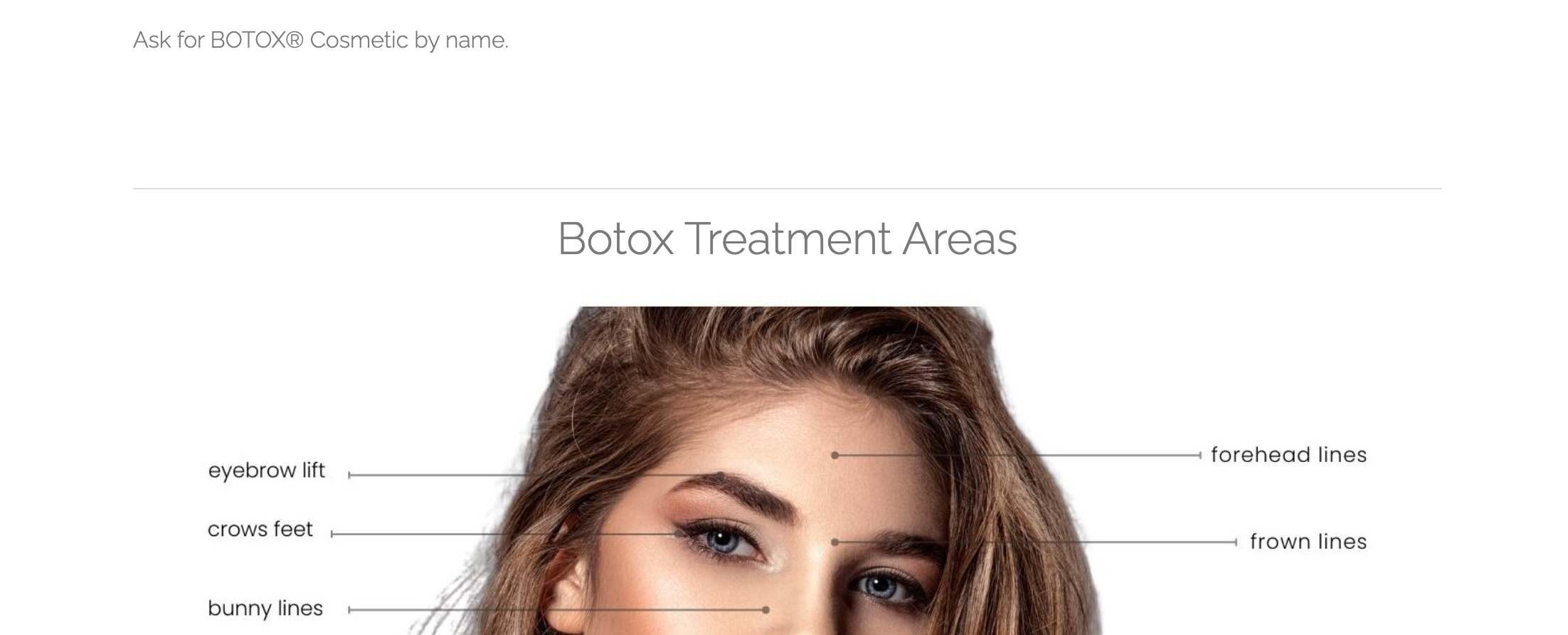 1. Resize image so top of models head is not cut off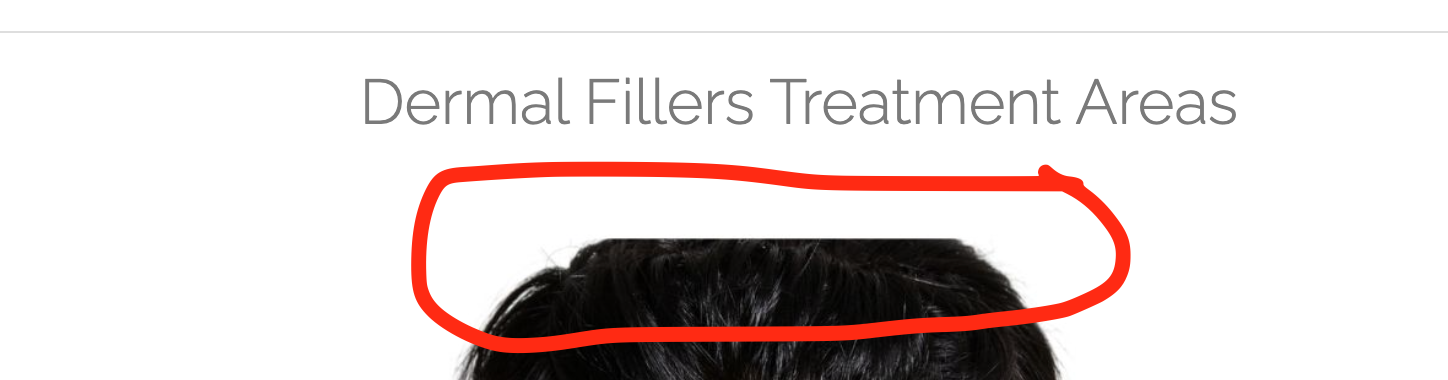
1. Resize hero image on mobile version so the sides of the models are not cut off
 1. Resize hero image on mobile version so the sides of the models are not cut off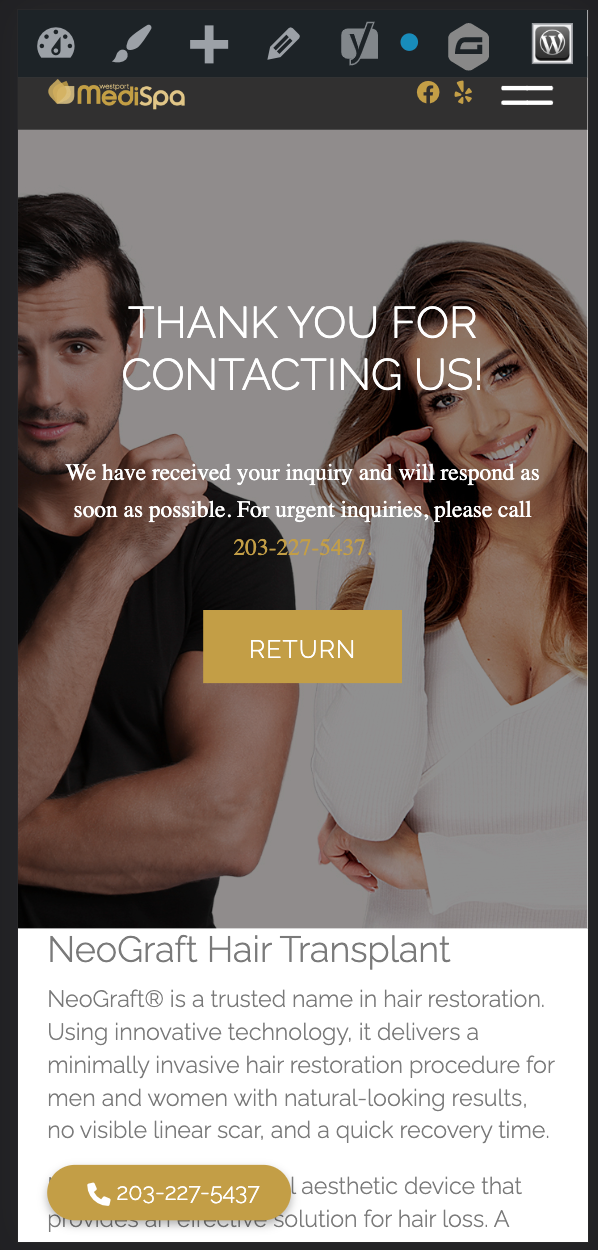
Bottom gravity form on all treatment pages too large:
1. Please resize to be closer to the size of the bottom gravity form on the homepage. - Desktop only
See video for details: https://drive.google.com/file/d/1tlLZYtBwBg9a0GIOFCM4WfanH5vn2UKJ/view?usp=sharing
https://docs.google.com/spreadsheets/d/1QeeG-HpAjCGvig0BGD-yFzB8lTXZmYQ8gXArZD6mdqY/edit#gid=132172283
Some notes/screenshots are notated in this document she created, just make sure you're looking at the right notes, both Heritage and Medispa there:
https://docs.google.com/document/d/17WDtx5YVkfKDJnh0SDM4wK9WExmSebp2tH6LVLx3lO0/edit?usp=sharing
I already addressed the above edits. Please check, https://themedispa.com/.
Regarding the treatment areas model, the original images are already cut off.
Thank you!